How to Select, Add, and Remove Nodes in eXPerience 8 – Level Operator
This tutorial covers the fundamental techniques for editing the shape of embroidery objects using the Edit Nodes tool.

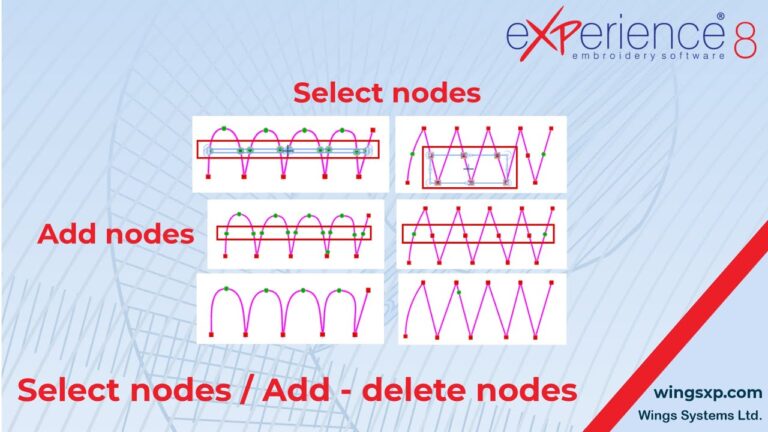
This tutorial covers the fundamental techniques for editing the shape of embroidery objects using the Edit Nodes tool.
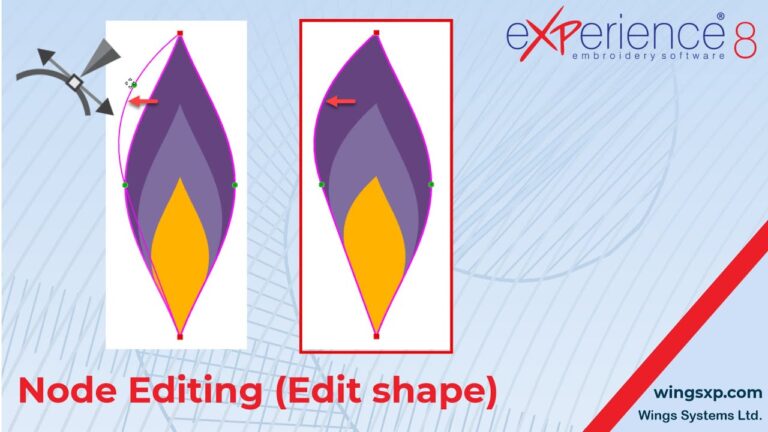
In eXPerience 8, every design you create is essentially artwork composed of lines and curves. The Edit Nodes mode is a powerful tool that allows you to reshape, fine-tune, and perfect these curves after they have been drawn.
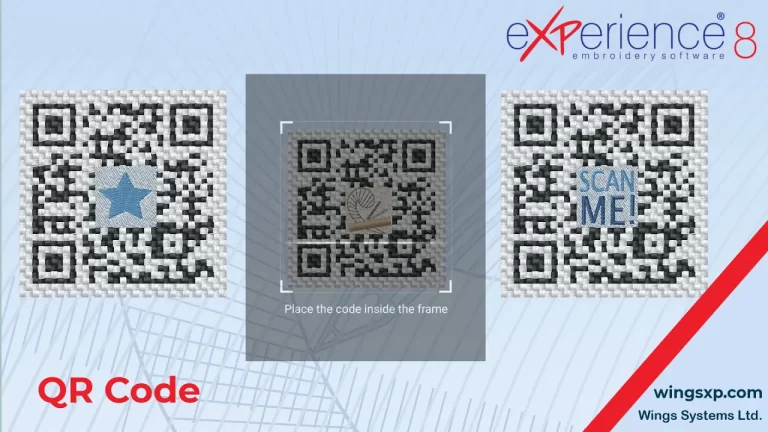
The QR Code tool allows you to make your embroidery projects interactive by embedding website URLs, contact information, or plain text messages directly into the design.
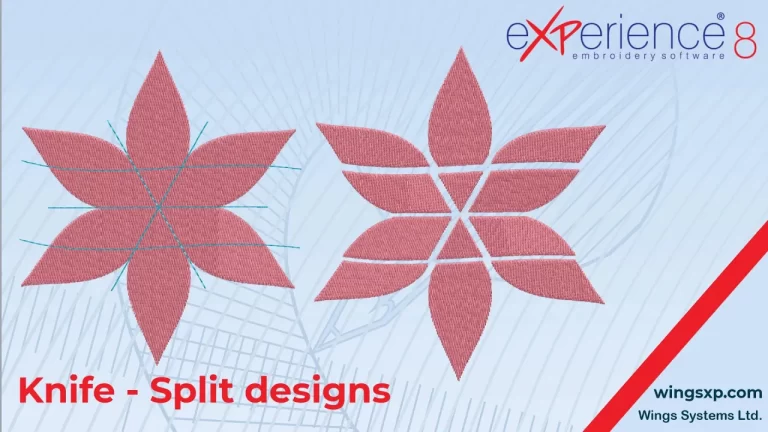
The Knife tool is a powerful function in eXPerience 8 that allows you to divide filled objects, split shapes into multiple parts, and create unique, complex designs from portions of other objects.

The Circular Array tool is a powerful feature that allows you to create multiple copies of an object arranged in a circle or an arc.
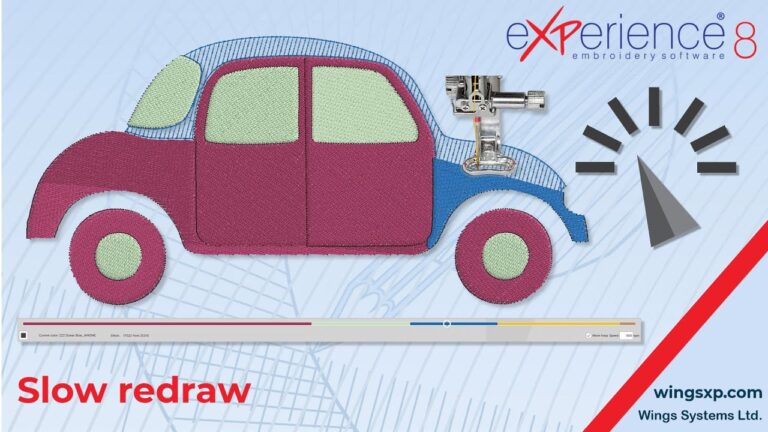
The Slow Redraw tool provides a realistic simulation of how your design will stitch out, allowing you to preview the entire embroidery process before sending it to your machine.

The Rectangular Array tool is a powerful feature in eXPerience 8 that allows you to quickly create repetitive, grid-based patterns from any selected object(s).
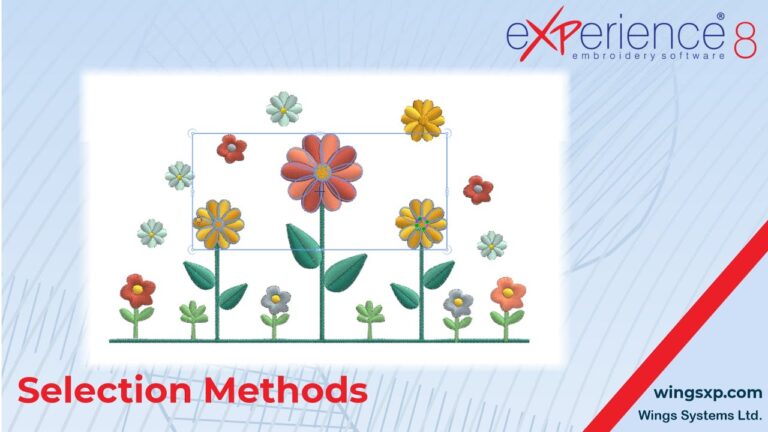
Mastering the various selection methods in eXPerience 8 is fundamental to editing your embroidery designs efficiently.
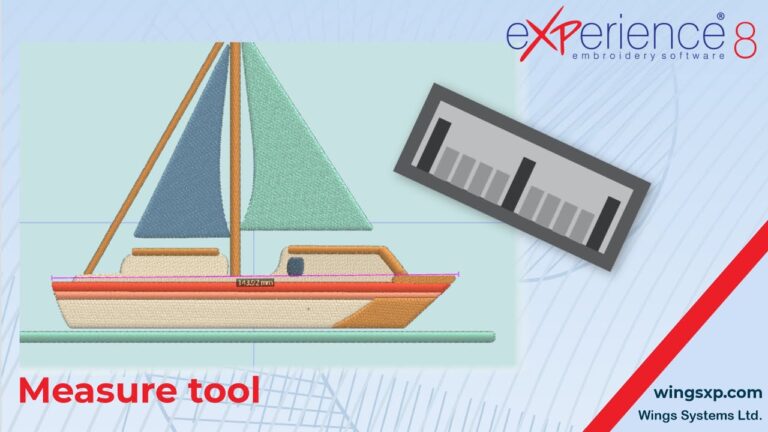
The Measure tool is an essential utility for ensuring the accuracy and proper placement of elements within your embroidery designs.

Automated page speed optimizations for fast site performance