How to Use the Monogram Tool in eXPerience 8 Embroidery Software
The Monogram Tool in eXPerience 8 Embroidery Software enables you to create personalized monogram designs by combining letters with customizable fonts, layouts, and decorative frames.

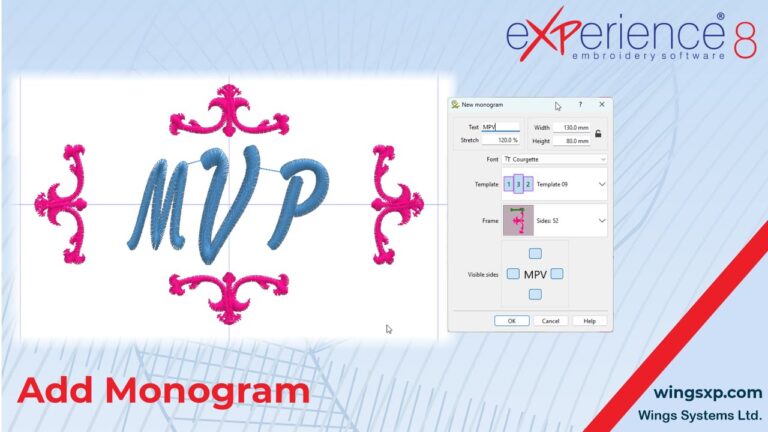
The Monogram Tool in eXPerience 8 Embroidery Software enables you to create personalized monogram designs by combining letters with customizable fonts, layouts, and decorative frames.
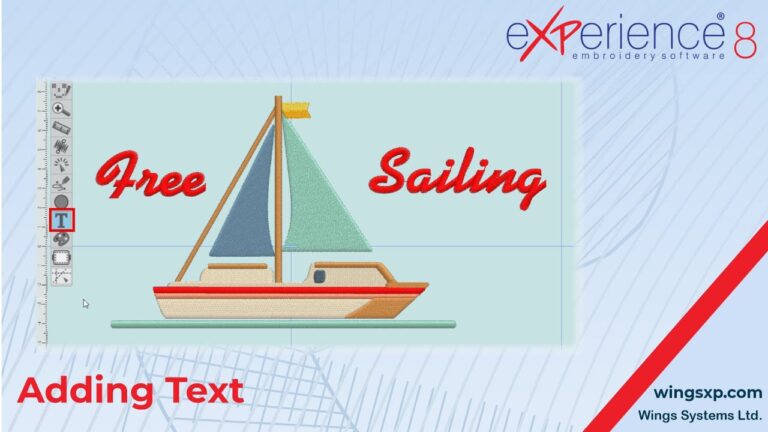
Adding text to your embroidery designs can enhance their appeal and personalization. eXPerience 8 embroidery software offers a robust Text tool that allows you to add, customize, and fine-tune text to suit your design needs.
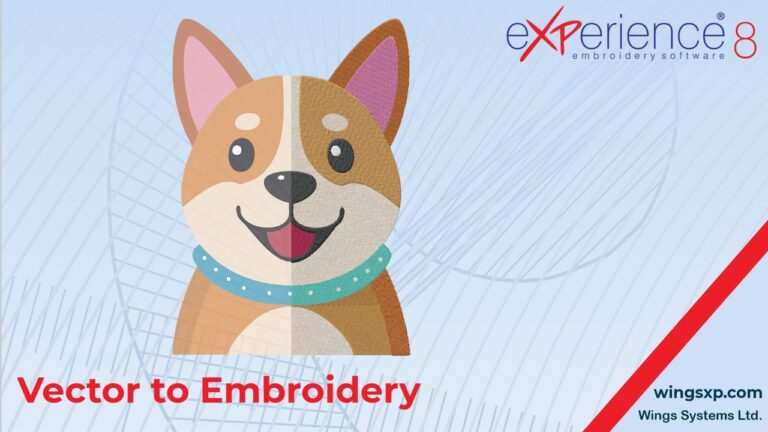
Convert Vector Artwork/Graphics design to Embroidery. Transferring vector artwork from CorelDRAW to your eXPerience 8 embroidery software eliminates the need to redraw designs from scratch.
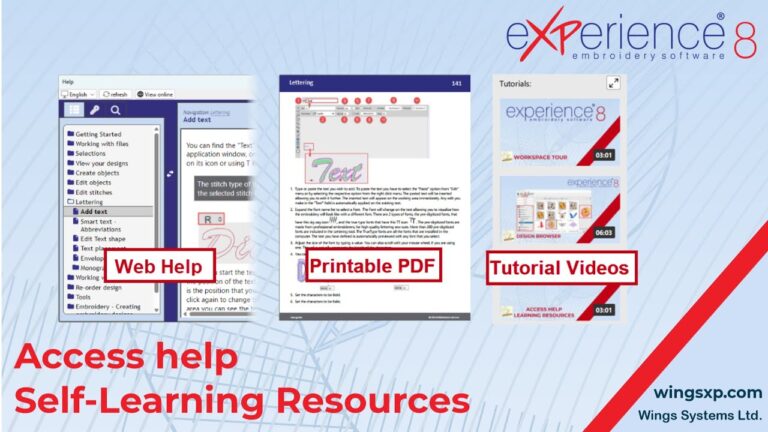
This step-by-step tutorial guides you through the self-learning resources available in eXPerience 8 Embroidery Software.
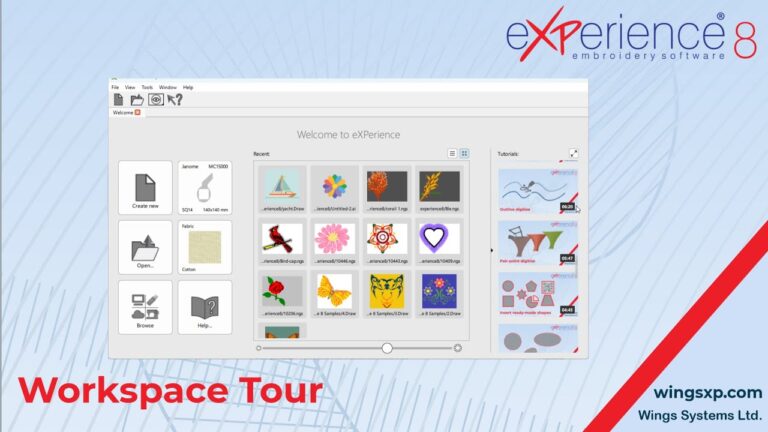
This tutorial provides a step-by-step guide to understanding and navigating the key components of the eXPerience 8 embroidery software workspace. Follow these steps to familiarize yourself with the interface and tools to enhance your design workflow. Step 1: Explore the Welcome Tab Step 2: Access Drop-Down Menus Step 3: Use the Standard Toolbar Step 4:…