How to Use the Namedrop Tool
The Namedrop tool in eXPerience 8 automates the production of personalized items such as team uniforms, corporate wear, and name tags.

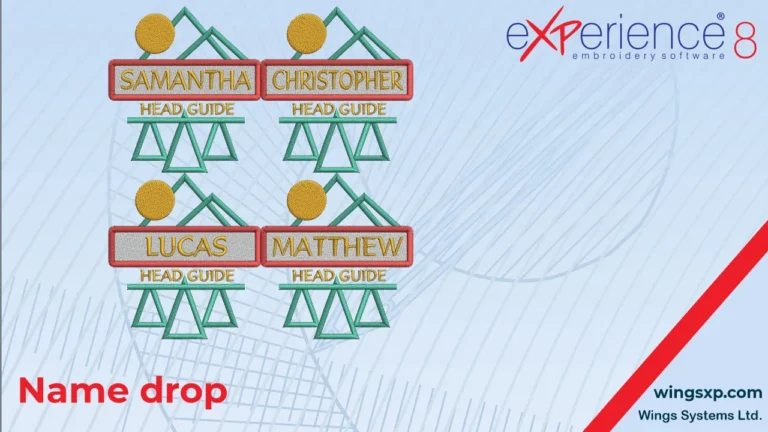
The Namedrop tool in eXPerience 8 automates the production of personalized items such as team uniforms, corporate wear, and name tags.

The View menu in eXPerience 8 controls how your embroidery designs and workspace appear on screen, allowing you to inspect stitch structure, analyze density, and align elements with precision.
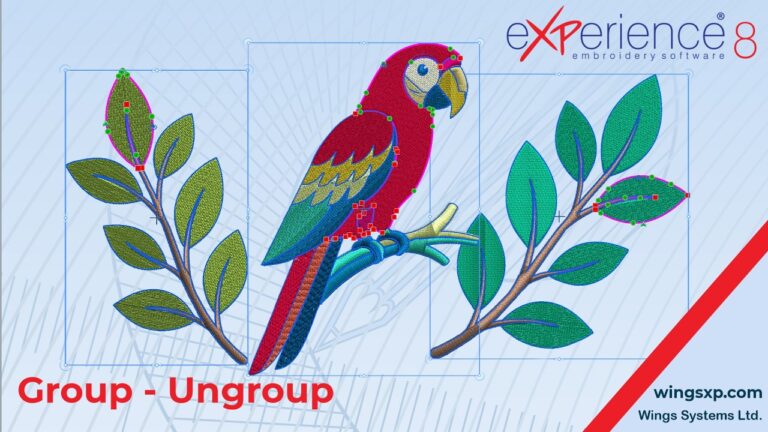
Organizing complex embroidery designs into groups streamlines your layout workflow, allowing you to reposition, transform, and modify multi-part design elements together without altering individual stitch parameters. Step 1: Grouping Design Elements Tip: Grouping does not merge stitch types into a single object. Each part retains its original stitch types and properties intact. Step 2: Transforming…
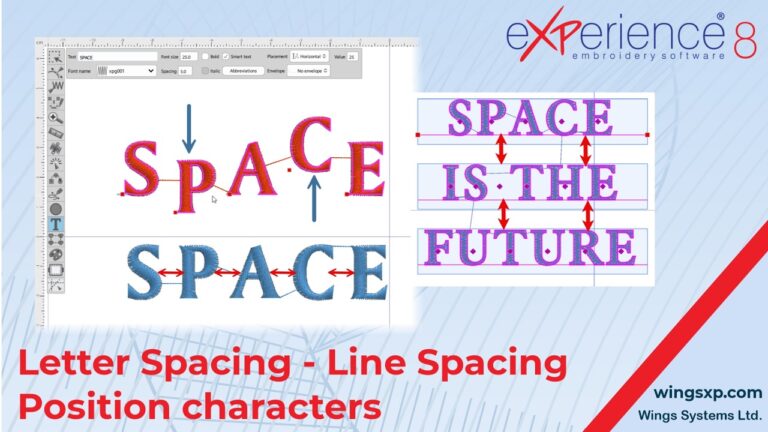
In eXPerience 8 embroidery software, while you can apply standard transformations like rotate, slant, scale, and stretch to text objects, you also have precise control over the placement of individual letters and the spacing between them. This guide covers two primary methods for fine-tuning your text.
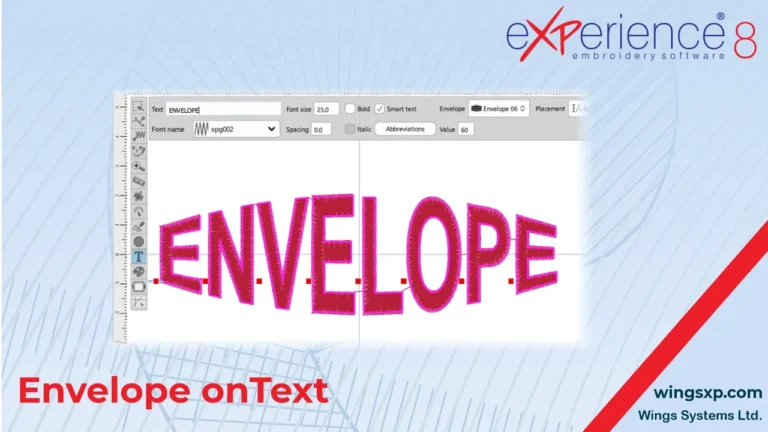
The Envelope feature in eXPerience 8 allows you to reshape text so that it follows a predefined form.
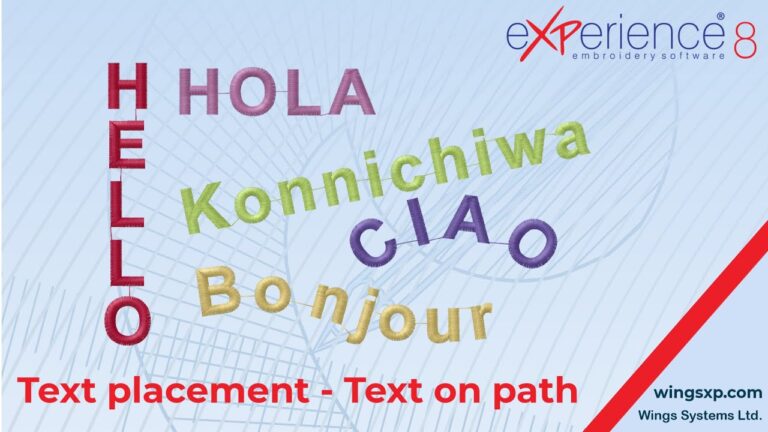
This guide explains how to customize the layout of your lettering using the orientation and path options within the Text tool in eXPerience 8.
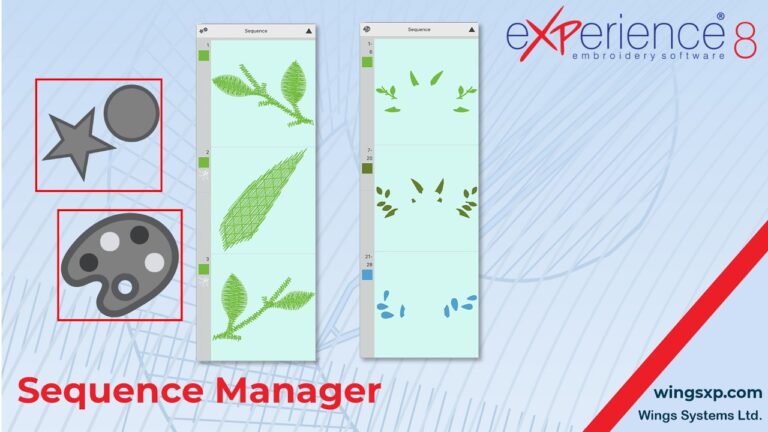
The Sequence Manager is located at the top right edge of your design area. It provides a visual representation of your embroidery design’s stitch order and offers an easy way to organize, edit, and optimize your production workflow. Below is a comprehensive guide to mastering the Sequence Manager and optimizing your embroidery sequence. 1. Manual…
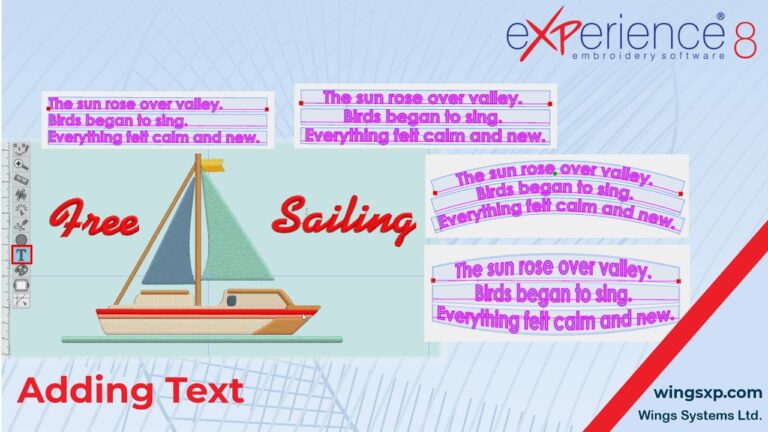
Adding and customizing text is an essential part of creating unique embroidery designs.
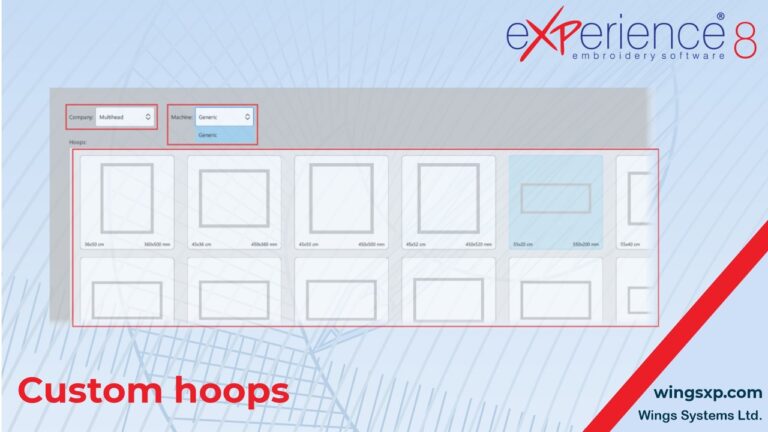
If you own an embroidery machine or a specific hoop that is not available in the software’s default lists, you can manually add it to your library.