How to Simplify Artwork with the Magic Wand Tool in eXPerience 8
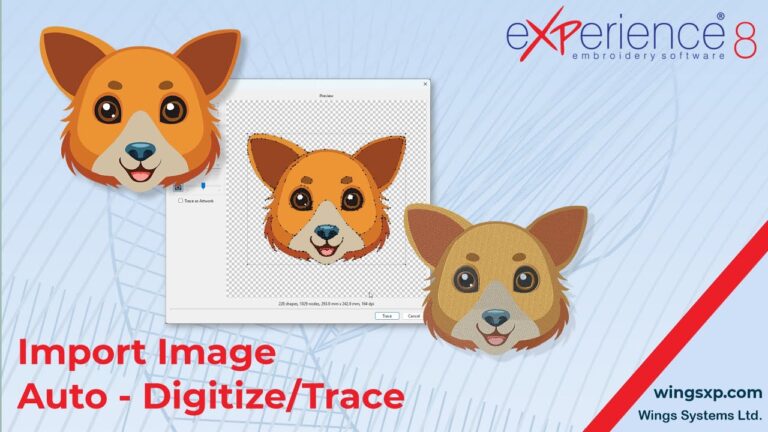
The Magic Wand tool is a powerful feature in eXPerience 8 designed to help you quickly simplify complex designs and prepare them for embroidery.
This guide will walk you through the process of creating, customizing, and editing star shapes in eXPerience 8
The Polygon tool is a powerful feature for creating perfect, symmetrical, multi-sided shapes like triangles, hexagons, and octagons, which can serve as foundations or decorative elements in your embroidery designs. This guide will walk you through selecting the tool, creating a shape, and the different methods for editing it. Step 1: Selecting the Polygon Tool…
This guide will walk you through the process of creating a unique logo or text design by importing individual alphabet characters that have been saved in a stitch file format (e.g., .dst, .pes, .jef).
This guide will walk you through the process of adding, customizing, and editing trapezoid and parallelogram shapes in your design projects.
This guide will walk you through the functionality of the Freehand shapes tool, a powerful feature for creating fluid, hand-drawn embroidery objects.
This guide will show you how to use the Stitch Flow tools to precisely control the direction of stitches and divide embroidery objects into smaller sections.
This guide will walk you through the process of adding, customizing, and editing Pie shapes in your workspace.
This guide will walk you through the process of adding, customizing, and editing ellipse shapes for your embroidery designs.