Mastering Step Fill Density, Length, and Underlay – Levels (Pilot – Operator)
Step fill creates a series of parallel stitch lines that follow the same direction, maintaining continuous stitches at a standard spacing.

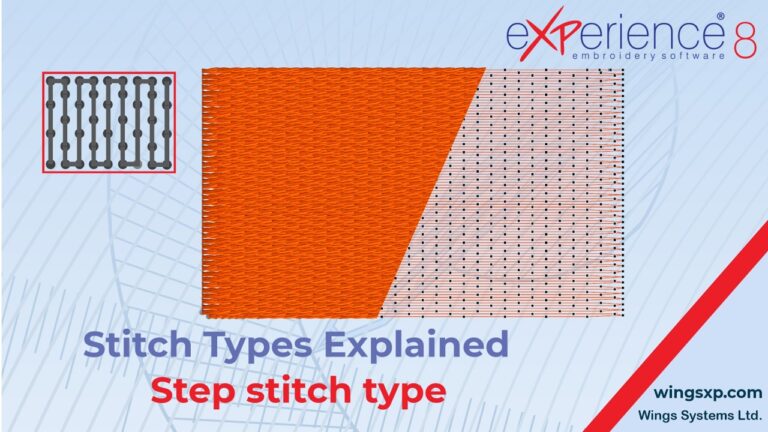
Step fill creates a series of parallel stitch lines that follow the same direction, maintaining continuous stitches at a standard spacing.
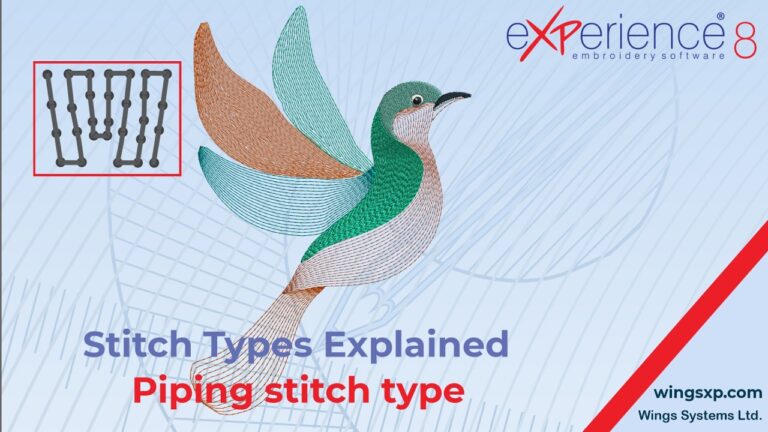
The Piping stitch is a specialized fill type available in eXPerience 8. When applied, the software scans the shape of your object and automatically generates inner contour lines.
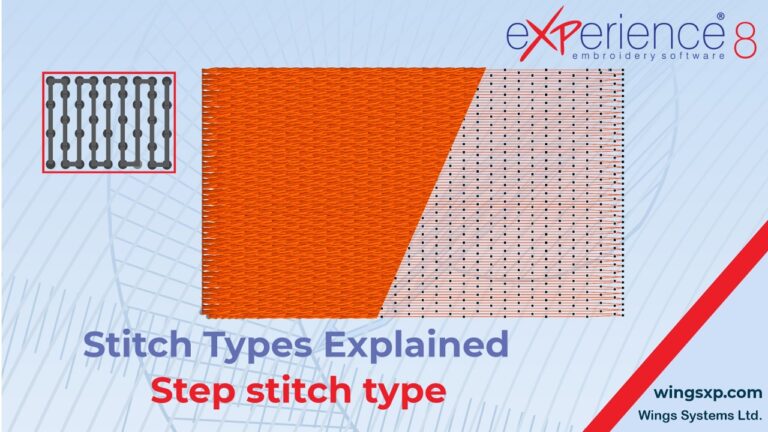
Step fill creates a series of parallel stitch lines that follow a uniform direction. It is the ideal stitch type for evenly filling large areas in your designs.
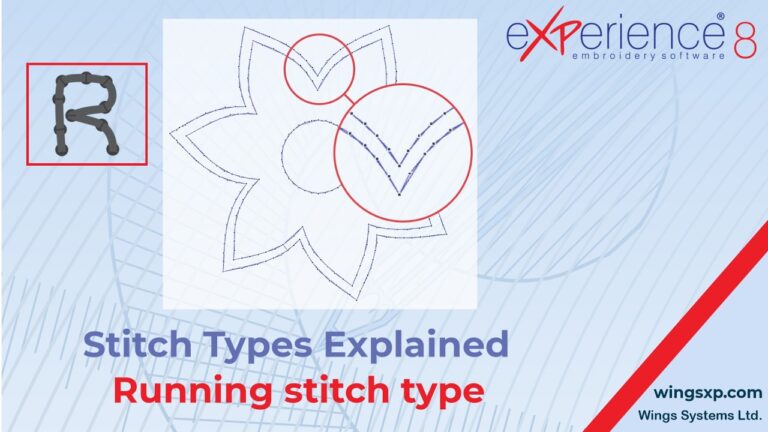
The Running stitch is one of the primary stitch types in your eXPerience 8 embroidery software.
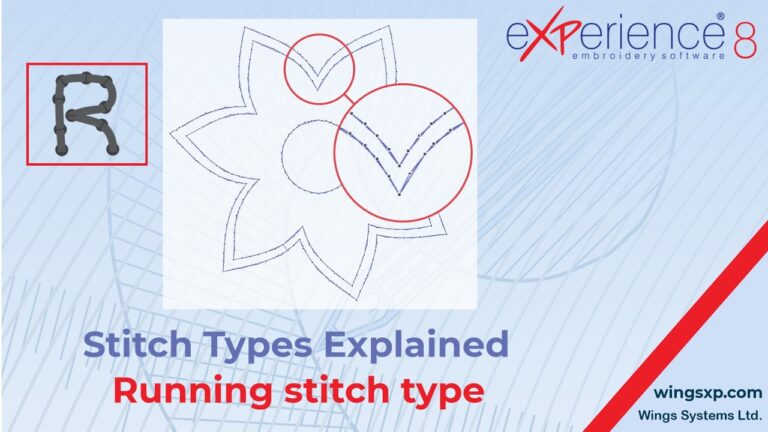
The Running stitch is one of the primary and most essential stitch types in embroidery digitizing.
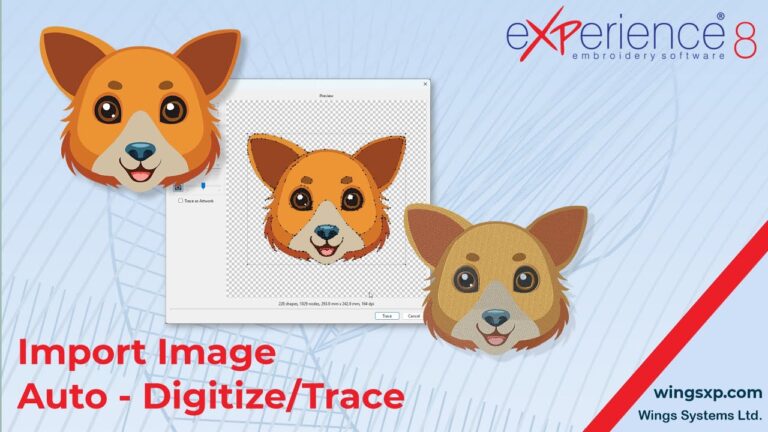
This guide explains how to import a bitmap image (such as a JPEG or PNG) into eXPerience 8 and convert it into an embroidery design using the Auto-Digitize / Trace to Outline feature.
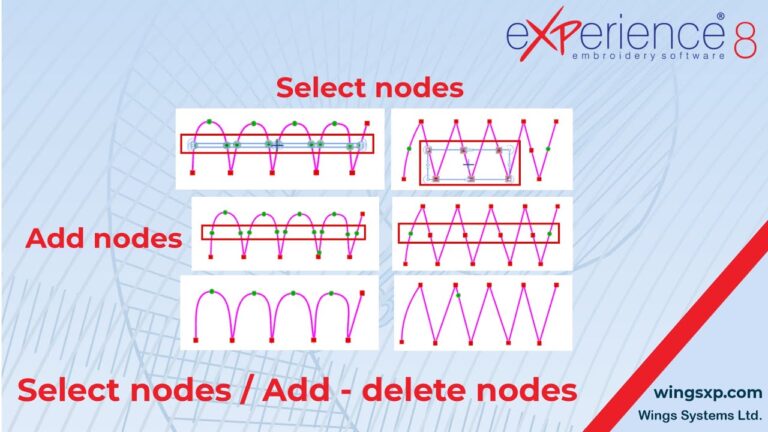
This guide explains how to manipulate nodes to reshape objects in eXPerience 8. By moving, adding, or removing nodes, you can precisely edit the shape of any design object.
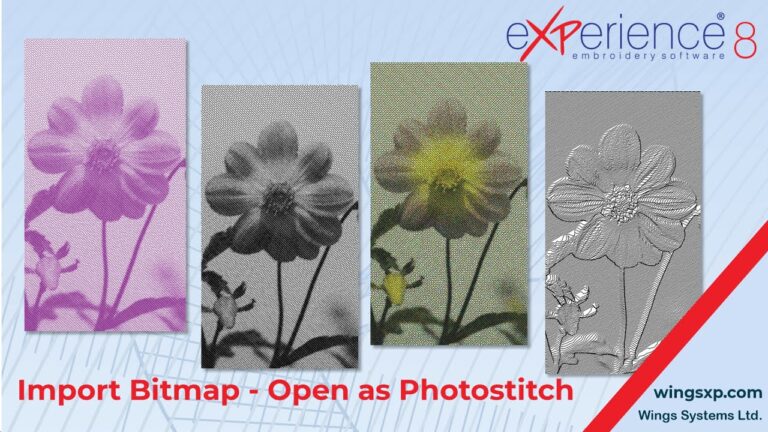
This guide explains how to import bitmap images and convert them into professional PhotoStitch embroidery designs using eXPerience 8
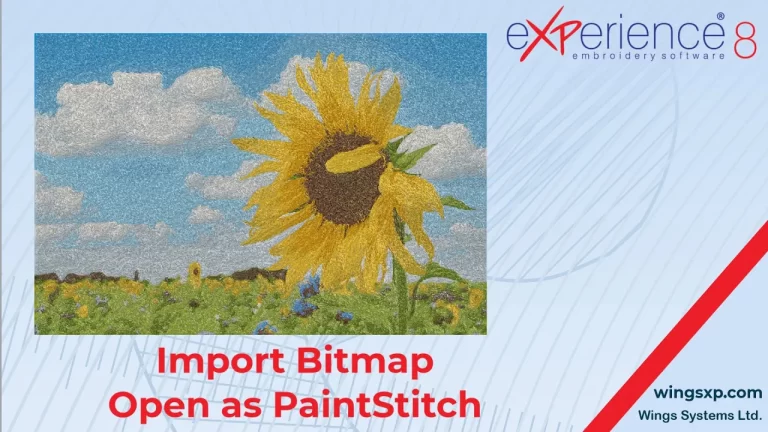
The PaintStitch feature in eXPerience 8 allows you to convert bitmap images (photos) into photo-realistic embroidery designs using advanced algorithms.