How to Insert and Customize Ready-Made Shapes in eXPerience 8
This guide will walk you through the process of using, customizing, and mastering the ready-made shape tools available in your eXPerience 8 embroidery software.
Knowledge base for eXPerience Embroidery Software
This guide will walk you through the process of using, customizing, and mastering the ready-made shape tools available in your eXPerience 8 embroidery software.
This guide will walk you through the process of deactivating your eXPerience 8 software license on one computer and activating it on another. This is useful when you get a new computer or wish to switch between a desktop and a laptop.
This guide provides a comprehensive walkthrough of the core digitizing tools and workflows in eXPerience 8 embroidery software. Mastering these functions is the key to transforming your creative ideas into high-quality embroidery designs efficiently.
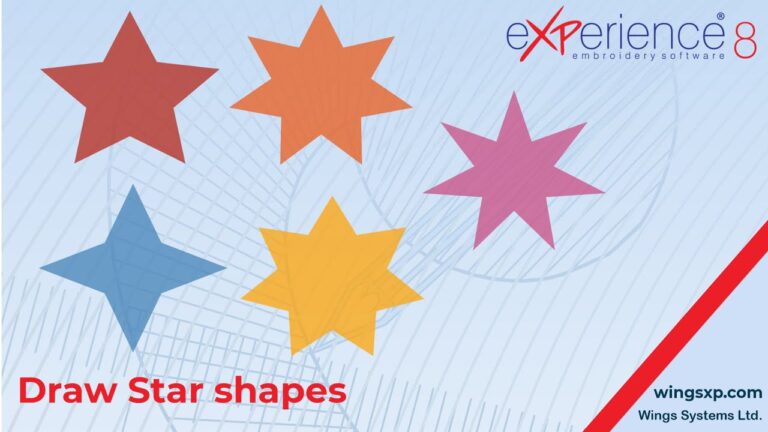
This guide will walk you through the process of inserting and customizing the ready-made shapes available in your eXPerience 8 embroidery software.
In eXPerience 8 embroidery software, while you can apply standard transformations like rotate, slant, scale, and stretch to text objects, you also have precise control over the placement of individual letters and the spacing between them. This guide covers two primary methods for fine-tuning your text.
This guide will walk you through the process of editing monogram templates, including adjusting their size and shape, and how to modify the layering of overlapping characters …
How to Adjust Letter Spacing and Position in eXPerience 8 – Level Pilot. This guide will walk you through the various methods to adjust letter spacing …
Text envelopes allow you to transform the shape of your text to follow curved or artistic paths, creating visually striking embroidered text designs.
Smart Text is a powerful feature in eXPerience 8 embroidery software that simplifies the process of inserting special characters and predefined symbols while creating or editing text objects.