Digitizing Basics: How to Customize the Running Stitches, Properties and Styles – Level Advanced
The Running stitch is one of the primary and most essential stitch types in embroidery digitizing.

Knowledge base for eXPerience Embroidery Software
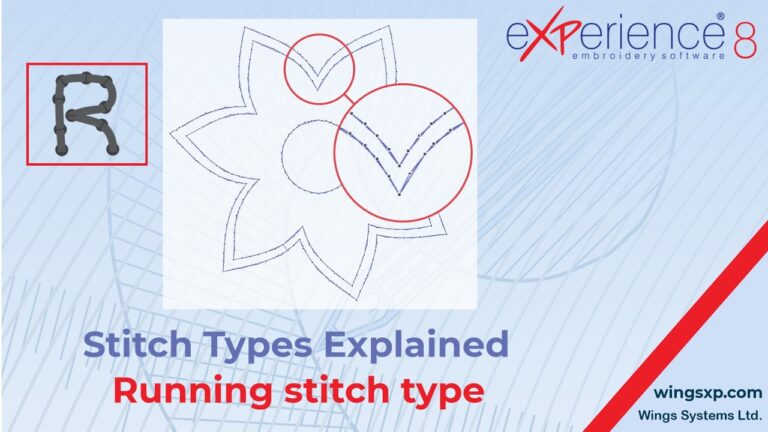
The Running stitch is one of the primary and most essential stitch types in embroidery digitizing.
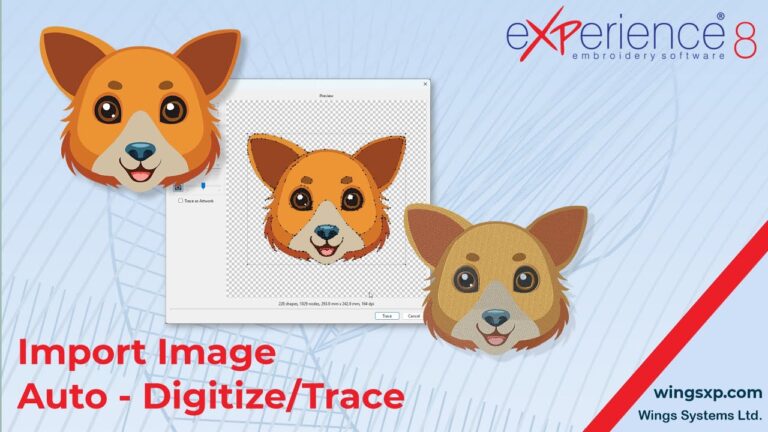
This guide explains how to import a bitmap image (such as a JPEG or PNG) into eXPerience 8 and convert it into an embroidery design using the Auto-Digitize / Trace to Outline feature.
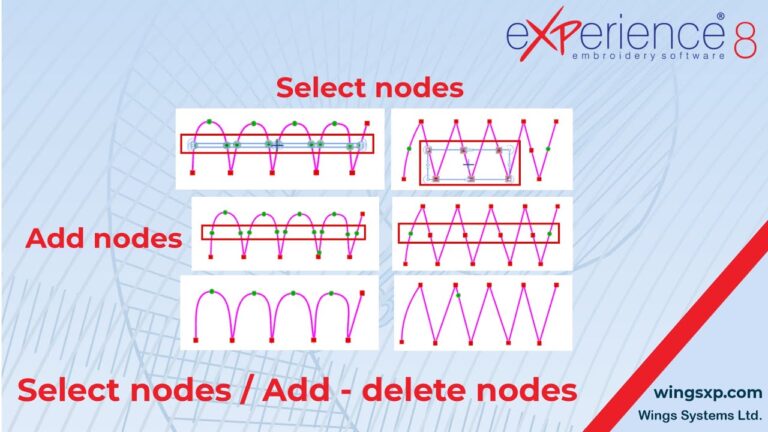
This guide explains how to manipulate nodes to reshape objects in eXPerience 8. By moving, adding, or removing nodes, you can precisely edit the shape of any design object.
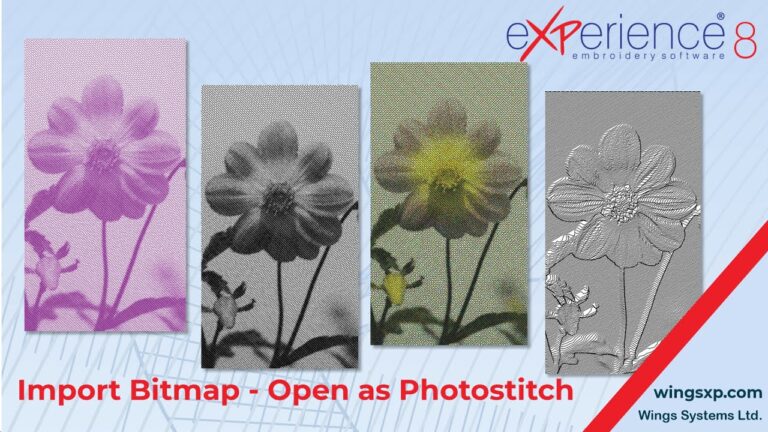
This guide explains how to import bitmap images and convert them into professional PhotoStitch embroidery designs using eXPerience 8
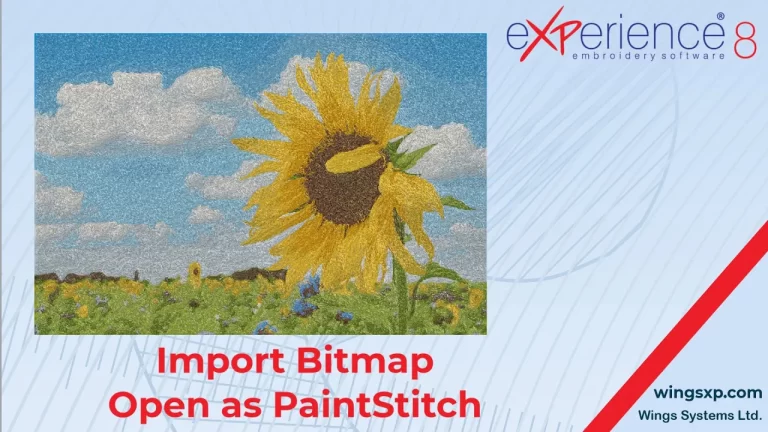
The PaintStitch feature in eXPerience 8 allows you to convert bitmap images (photos) into photo-realistic embroidery designs using advanced algorithms.
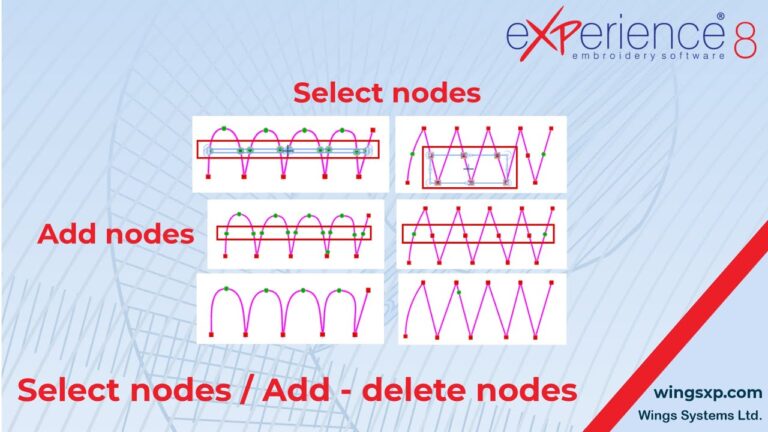
This tutorial covers the fundamental techniques for editing the shape of embroidery objects using the Edit Nodes tool.
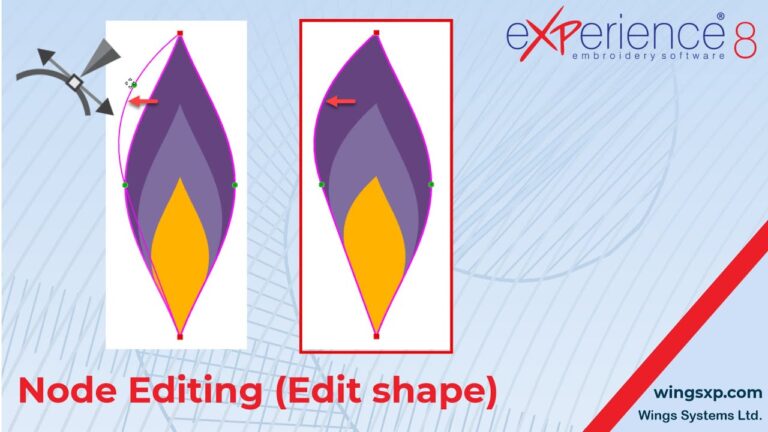
In eXPerience 8, every design you create is essentially artwork composed of lines and curves. The Edit Nodes mode is a powerful tool that allows you to reshape, fine-tune, and perfect these curves after they have been drawn.
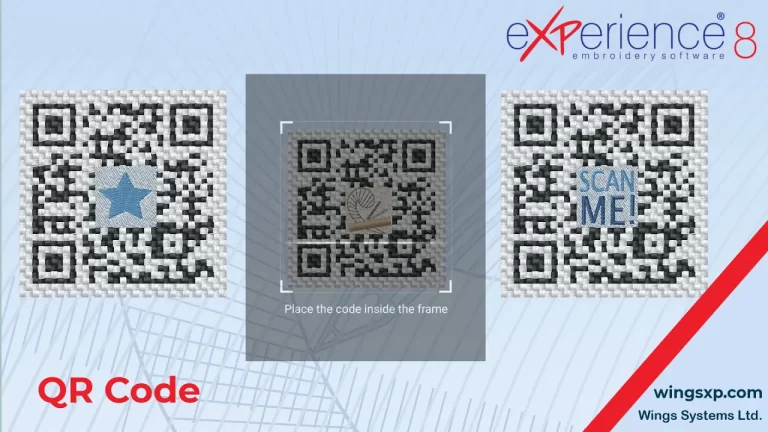
The QR Code tool allows you to make your embroidery projects interactive by embedding website URLs, contact information, or plain text messages directly into the design.
Fine-tuning the shape of your embroidery designs often requires manipulating the individual nodes that make up the object’s outline.