How to Create and Customize Trapezoid Shapes in eXPerience 8
This guide will walk you through the process of adding, customizing, and editing trapezoid and parallelogram shapes in your design projects.
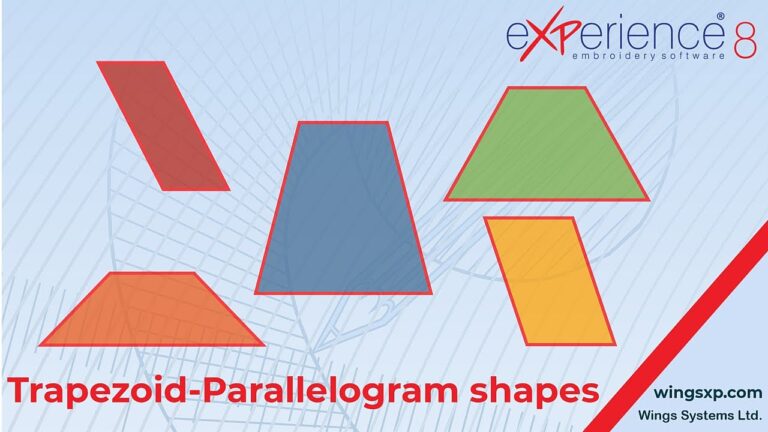
This guide will walk you through the process of adding, customizing, and editing trapezoid and parallelogram shapes in your design projects.
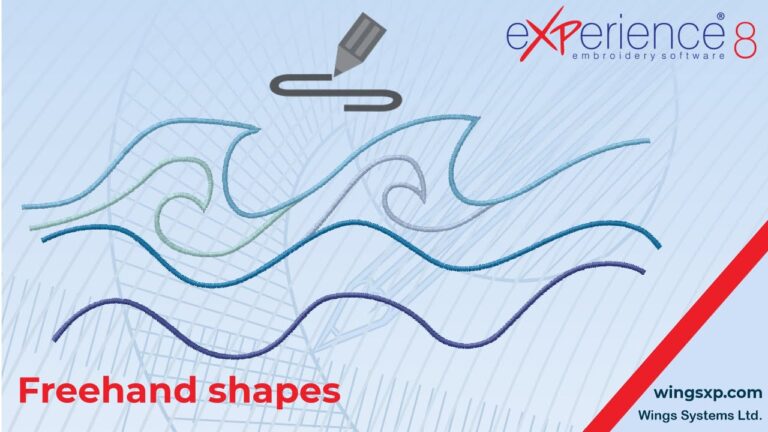
This guide will walk you through the functionality of the Freehand shapes tool, a powerful feature for creating fluid, hand-drawn embroidery objects.
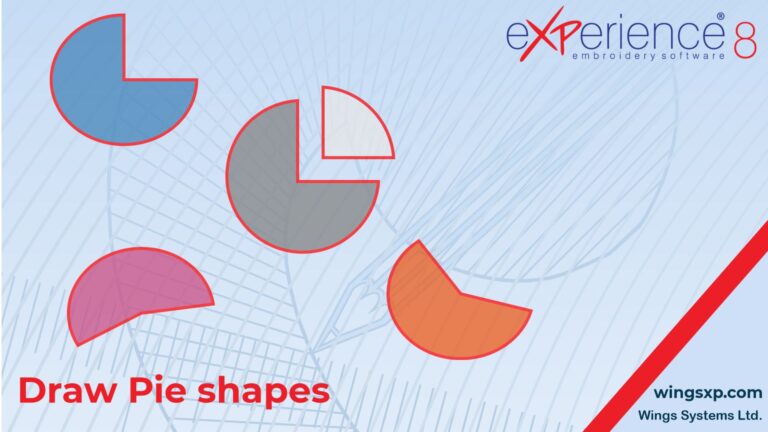
This guide will walk you through the process of adding, customizing, and editing Pie shapes in your workspace.

This guide will walk you through the process of adding, customizing, and editing ellipse shapes for your embroidery designs.
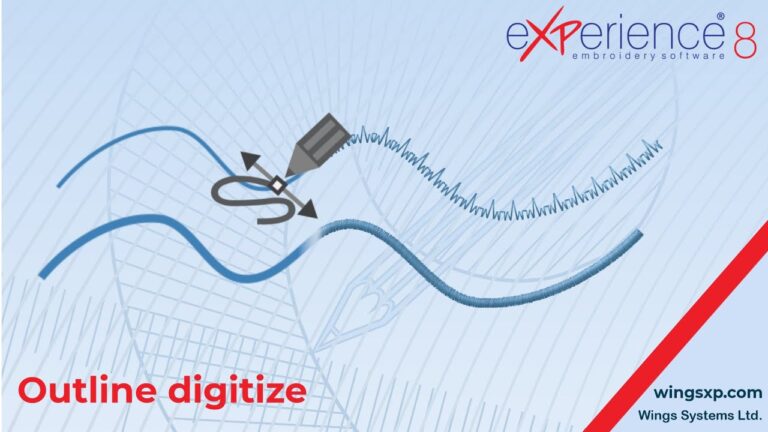
The Outline Digitize Tool is a versatile feature in eXPerience 8 that allows you to create custom shapes from scratch. You can draw anything from simple lines to complex objects with both outlines and fills.
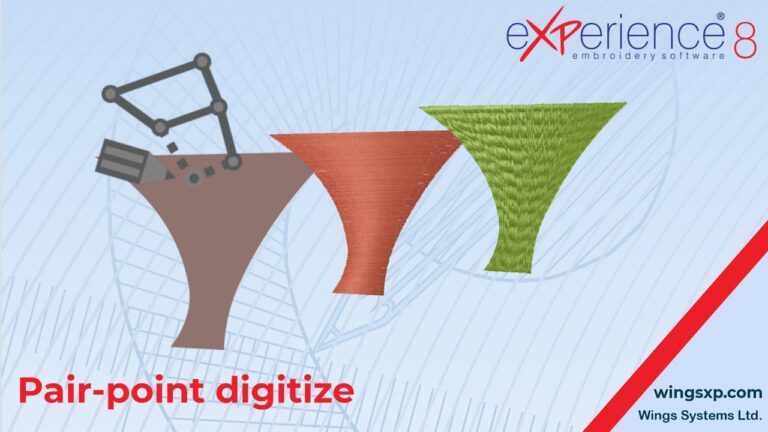
The Pair-point Digitize tool is a specialized function within eXPerience 8, ideal for creating complex or irregular shapes with perfect stitch direction control. Its primary strength lies in creating high-quality Satin and Piping stitch objects.
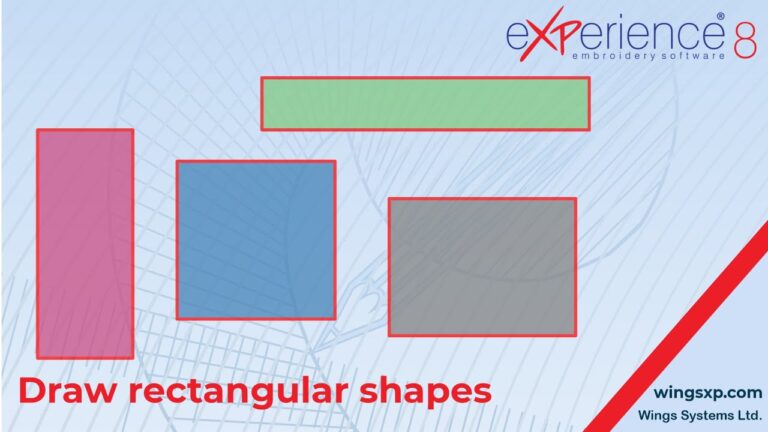
This guide will walk you through the process of adding, customizing, and editing rectangle shapes in your eXPerience 8 embroidery software.
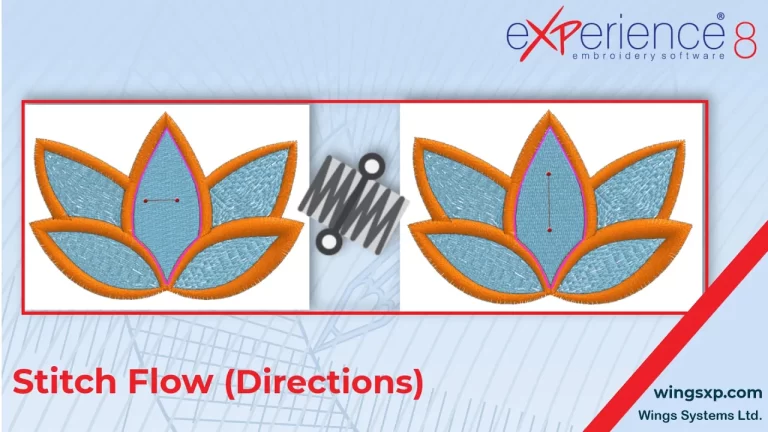
This tutorial provides a comprehensive guide on utilizing the Stitch flow feature within our embroidery software to precisely control the direction of your stitches.
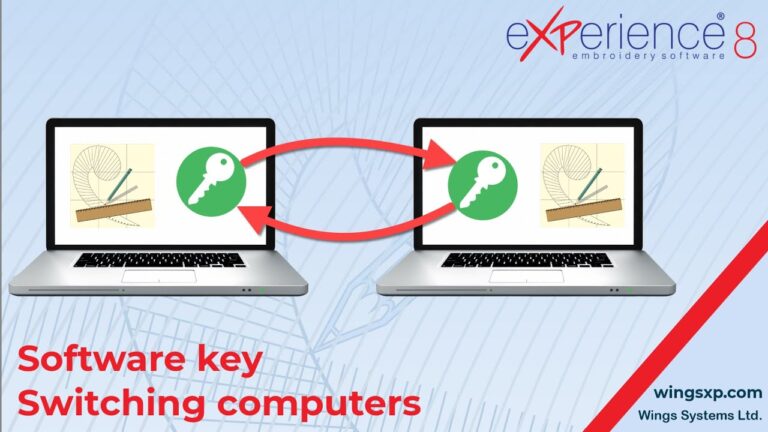
This guide will walk you through the process of deactivating your eXPerience 8 software license on one computer and activating it on another. This is useful when you get a new computer or wish to switch between a desktop and a laptop.