How to Use the Namedrop Tool
The Namedrop tool in eXPerience 8 automates the production of personalized items such as team uniforms, corporate wear, and name tags.
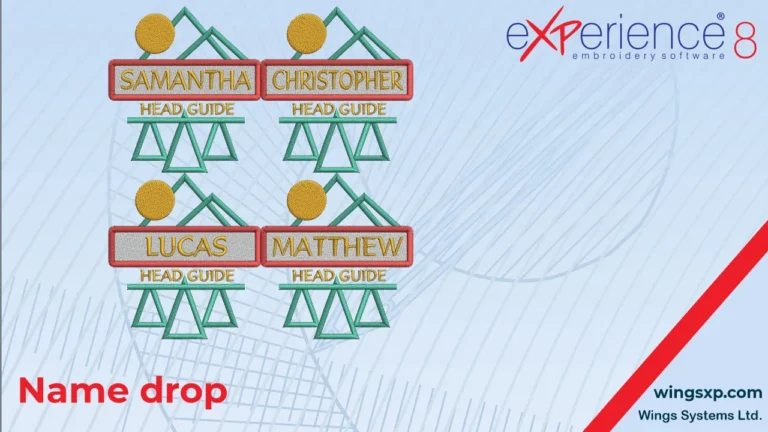
The Namedrop tool in eXPerience 8 automates the production of personalized items such as team uniforms, corporate wear, and name tags.

The View menu in eXPerience 8 controls how your embroidery designs and workspace appear on screen, allowing you to inspect stitch structure, analyze density, and align elements with precision.
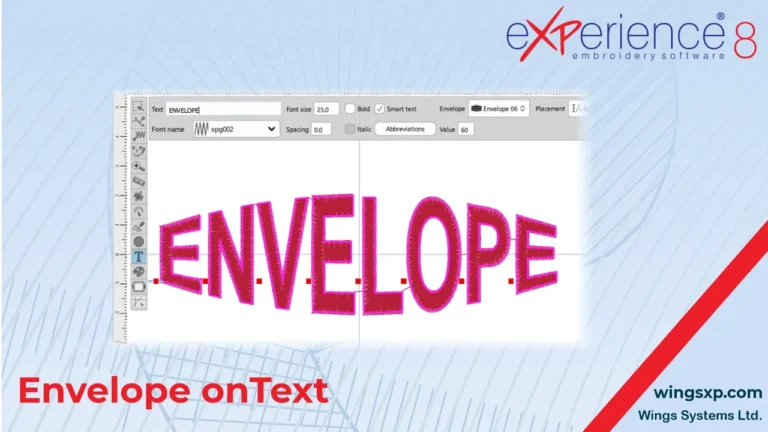
The Envelope feature in eXPerience 8 allows you to reshape text so that it follows a predefined form.
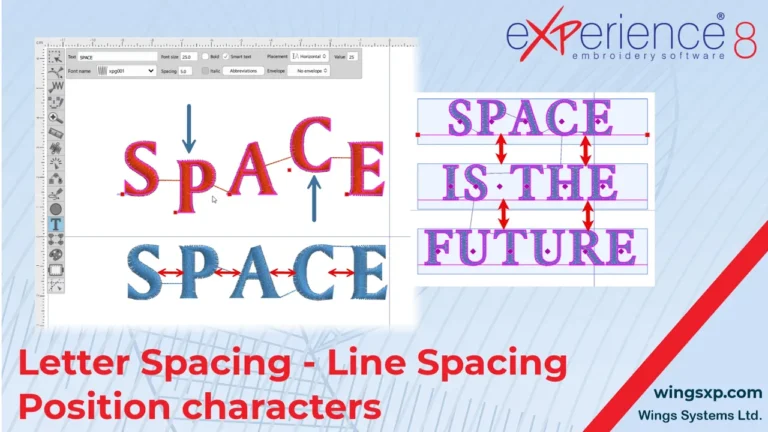
In eXPerience 8 embroidery software, you have full control over the layout of your lettering. This guide covers how to transform text objects, adjust the spacing between characters and lines, and precisely position individual letters.
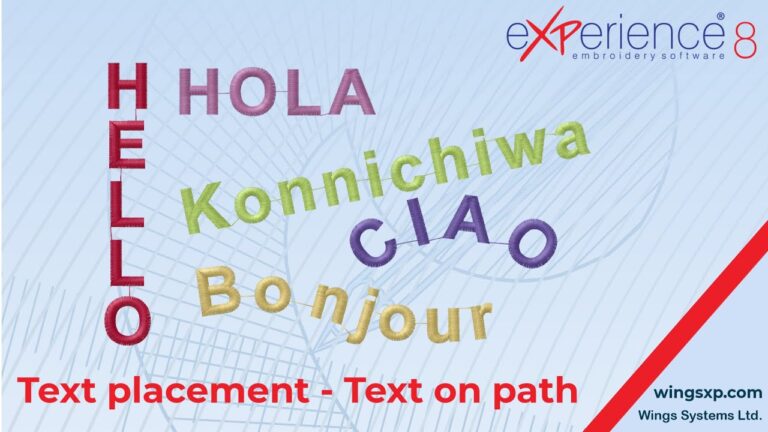
This guide explains how to customize the layout of your lettering using the orientation and path options within the Text tool in eXPerience 8.
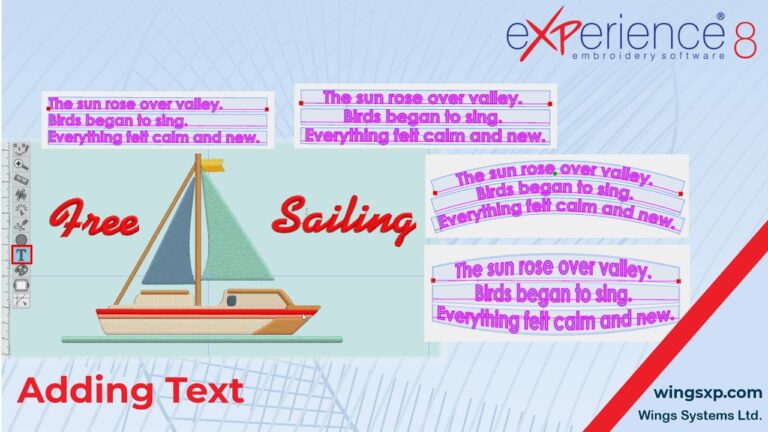
Adding and customizing text is an essential part of creating unique embroidery designs.
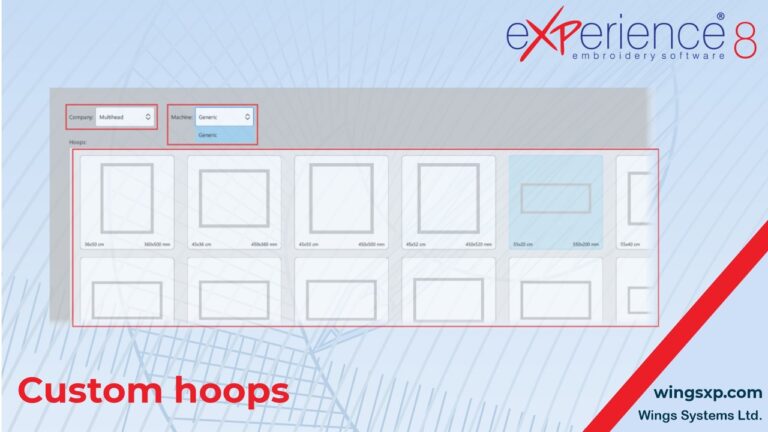
If you own an embroidery machine or a specific hoop that is not available in the software’s default lists, you can manually add it to your library.
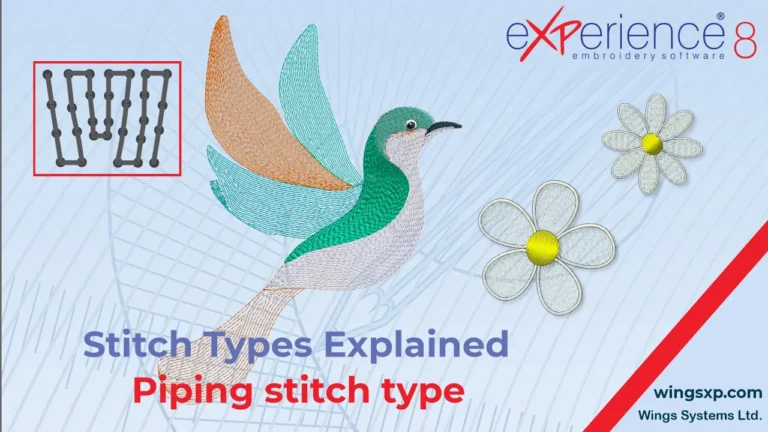
Piping is a specialized fill type in eXPerience 8 embroidery software. The software scans the shape of your object and generates inner contour lines, automatically adding shorter lines to wider areas to prevent excessive, bulky stitching in narrow sections. This creates a natural flow and lighter texture, making it perfect for organic or irregular shapes…
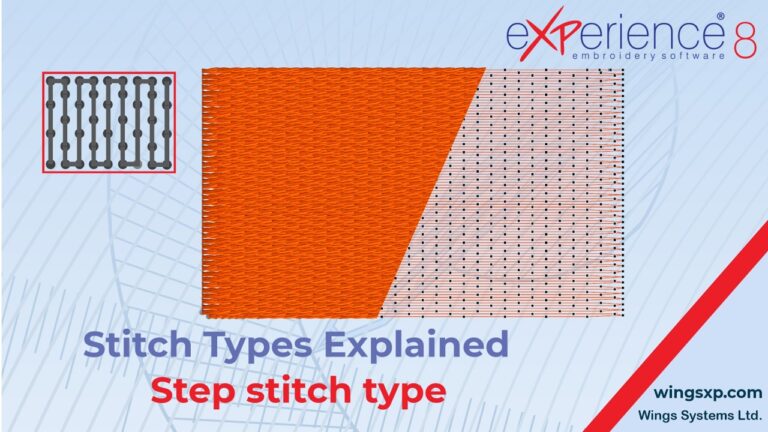
Step fill creates a series of parallel stitch lines that follow the same direction, maintaining continuous stitches at a standard spacing.