Text Orientation in eXPerience 8 Embroidery Software – Text on Path
This guide explains how to customize the layout of your lettering using the orientation and path options within the Text tool in eXPerience 8.

Knowledge base for eXPerience Embroidery Software
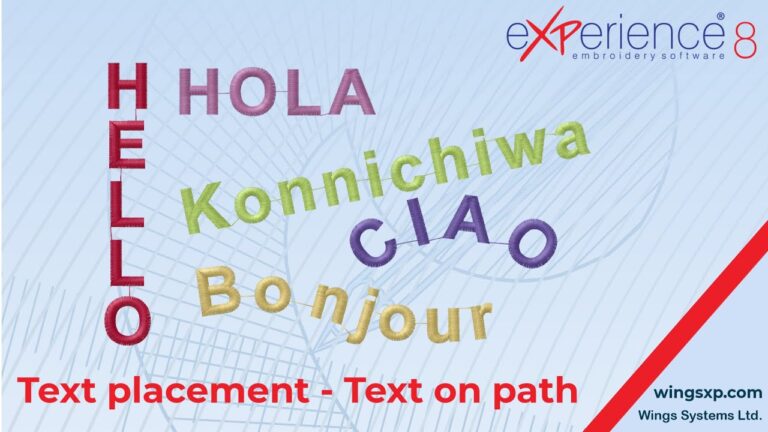
This guide explains how to customize the layout of your lettering using the orientation and path options within the Text tool in eXPerience 8.
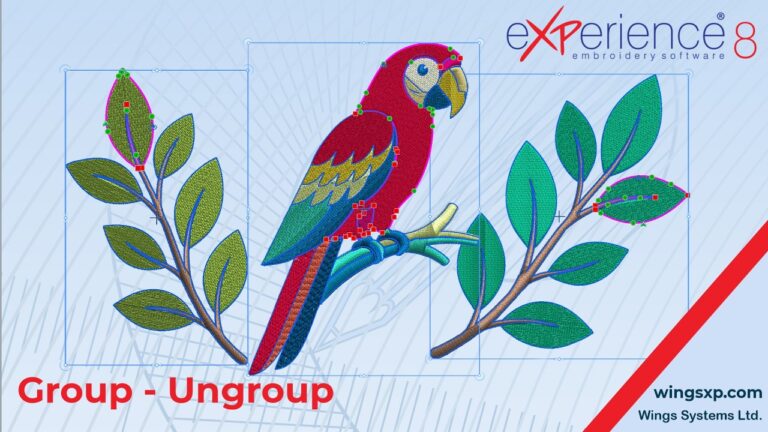
When working with complex embroidery designs that contain multiple parts, laying out and editing individual objects can quickly become difficult. The Group functionality in eXPerience 8 allows you to manage multiple sections of your design together, making it vastly easier to move, scale, rotate, and color-coordinate your workspace. How to Group Objects Together Grouping allows…
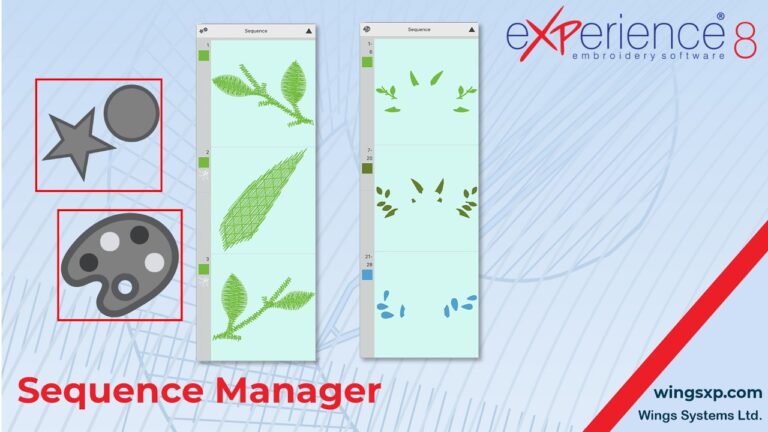
The Sequence Manager is located at the top right edge of your design area. It provides a visual representation of your embroidery design’s stitch order and offers an easy way to organize, edit, and optimize your production workflow. Below is a comprehensive guide to mastering the Sequence Manager and optimizing your embroidery sequence. 1. Manual…
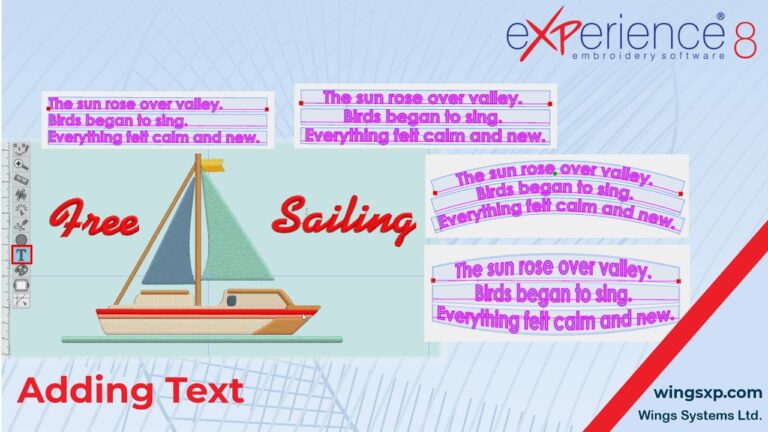
Adding and customizing text is an essential part of creating unique embroidery designs.
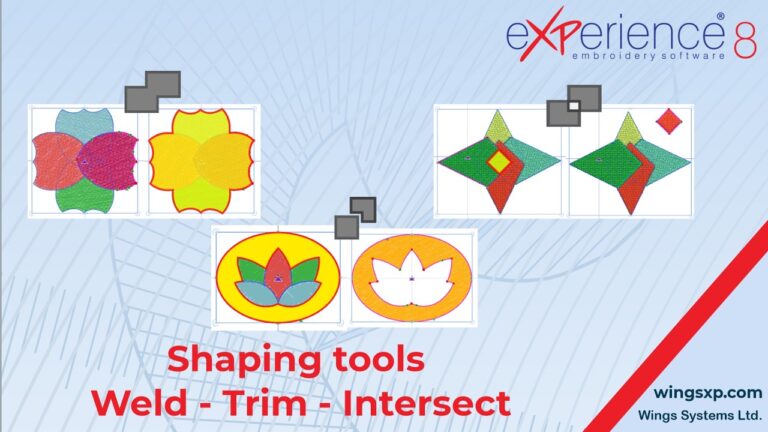
The shaping tools in eXPerience 8 allow you to seamlessly combine, cut, and create unique vector designs.
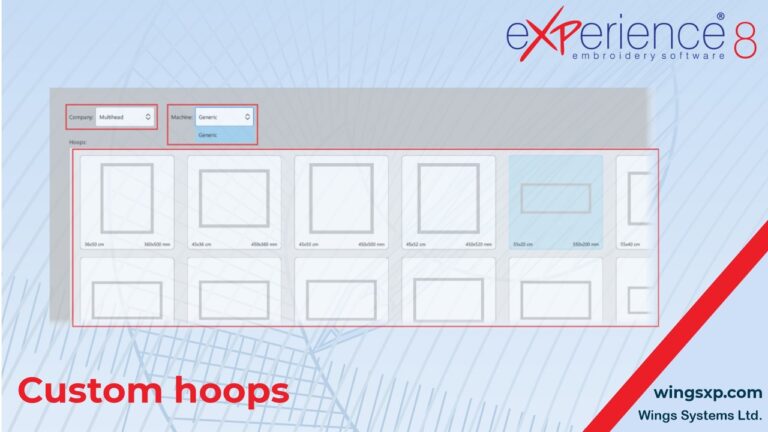
If you own an embroidery machine or a specific hoop that is not available in the software’s default lists, you can manually add it to your library.
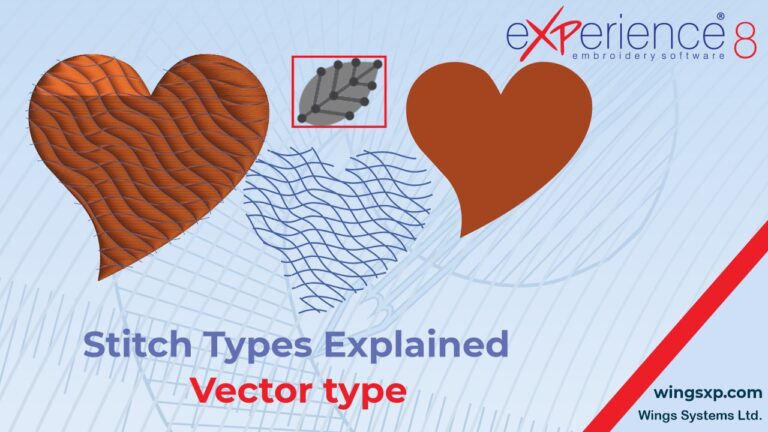
Welcome to the eXPerience 8 embroidery software knowledge base! In this tutorial, we will explore the Vector outline tool—a unique feature designed to help you create stunning, complex textures on large filled areas without compromising stitch stability. A Vector outline acts like a piece of “invisible” artwork. On its own, it features no actual stitches….
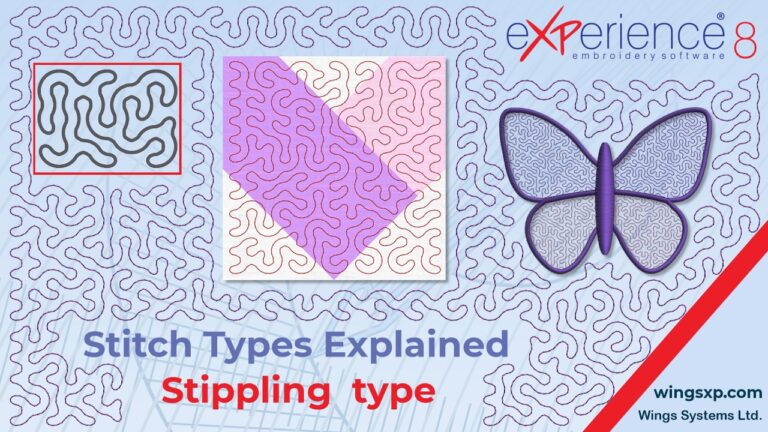
The Stippling fill type is a highly versatile tool in eXPerience 8, primarily used to create intricate decorative netting or to securely hold different quilt layers together. Here is your complete guide to applying, customizing, and manually editing stippling fills in your embroidery designs. Applying a Stippling Fill You can generate a stippling pattern either…
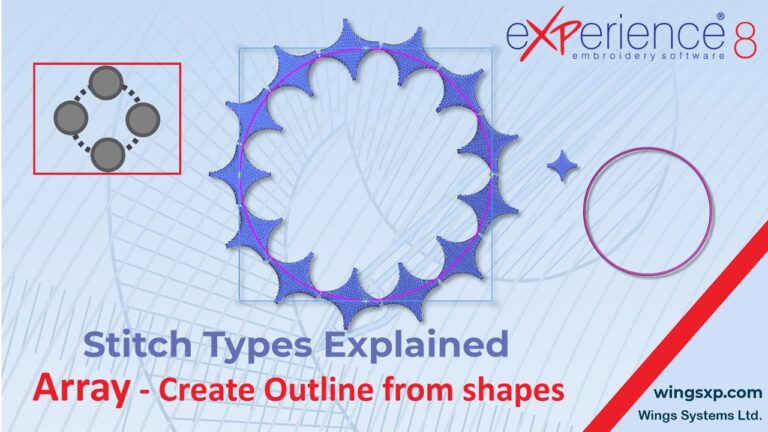
The Array on Outline feature allows you to seamlessly decorate the borders of your objects using predefined Clipart or your own custom design parts.