How to Insert and Customize Ready-Made Shapes in eXPerience 8
This guide will walk you through the process of inserting and customizing the ready-made shapes available in your eXPerience 8 embroidery software.

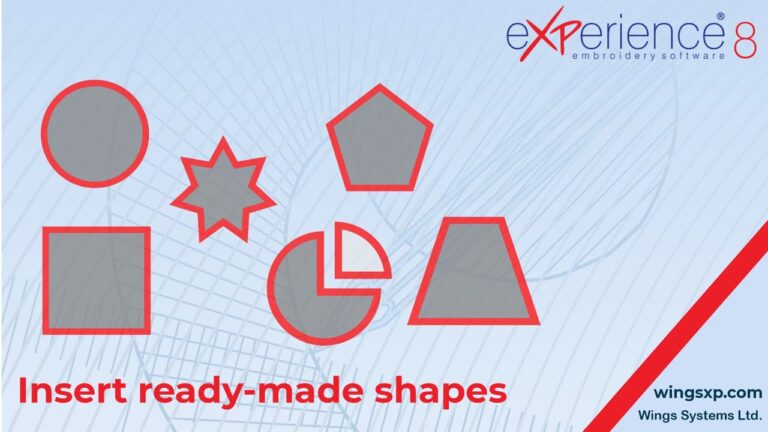
This guide will walk you through the process of inserting and customizing the ready-made shapes available in your eXPerience 8 embroidery software.
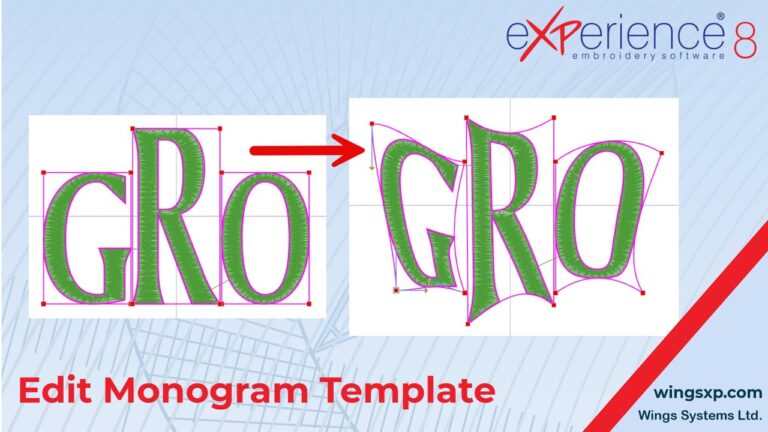
This guide will walk you through the process of editing monogram templates, including adjusting their size and shape, and how to modify the layering of overlapping characters …

How to Adjust Letter Spacing and Position in eXPerience 8 – Level Pilot. This guide will walk you through the various methods to adjust letter spacing …
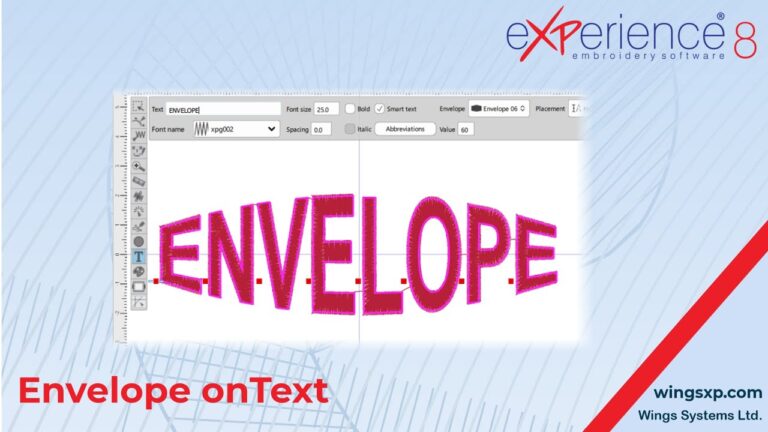
Text envelopes allow you to transform the shape of your text to follow curved or artistic paths, creating visually striking embroidered text designs.
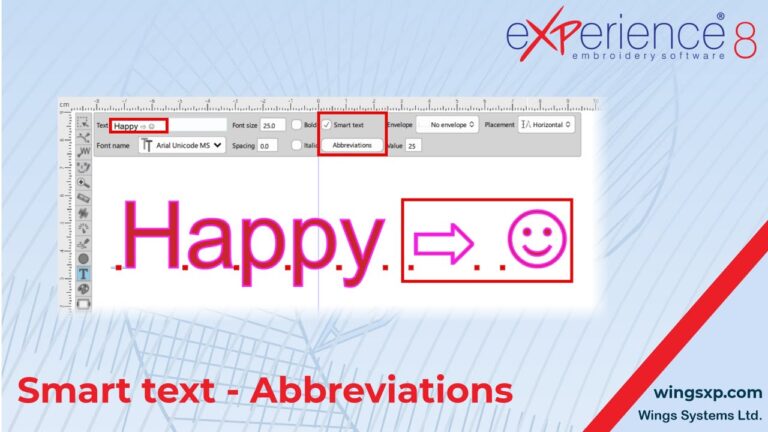
Smart Text is a powerful feature in eXPerience 8 embroidery software that simplifies the process of inserting special characters and predefined symbols while creating or editing text objects.
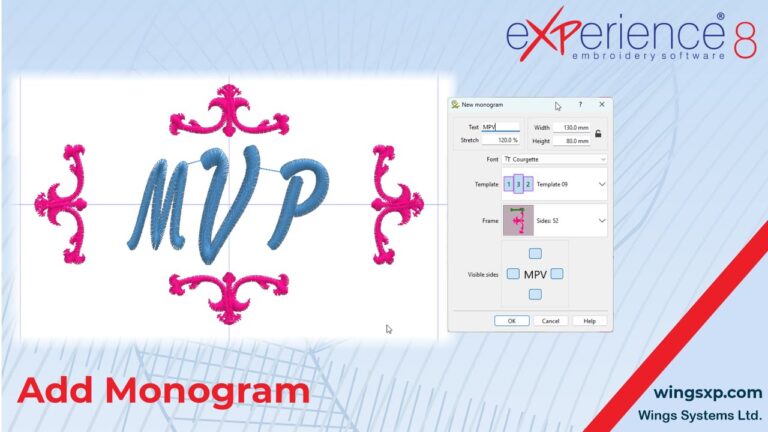
The Monogram Tool in eXPerience 8 Embroidery Software enables you to create personalized monogram designs by combining letters with customizable fonts, layouts, and decorative frames.
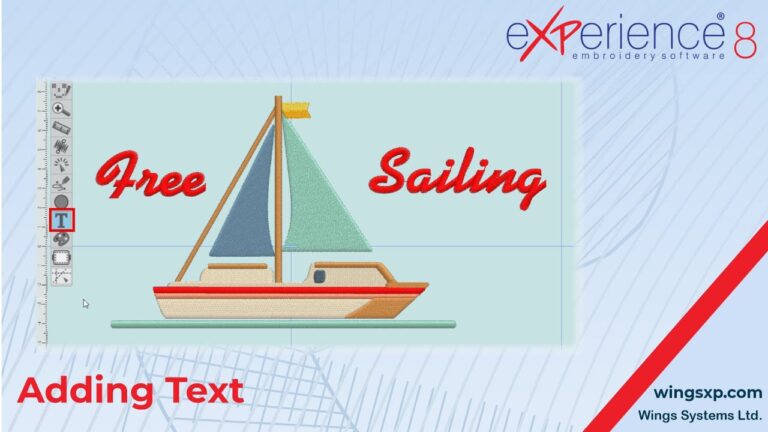
Adding text to your embroidery designs can enhance their appeal and personalization. eXPerience 8 embroidery software offers a robust Text tool that allows you to add, customize, and fine-tune text to suit your design needs.
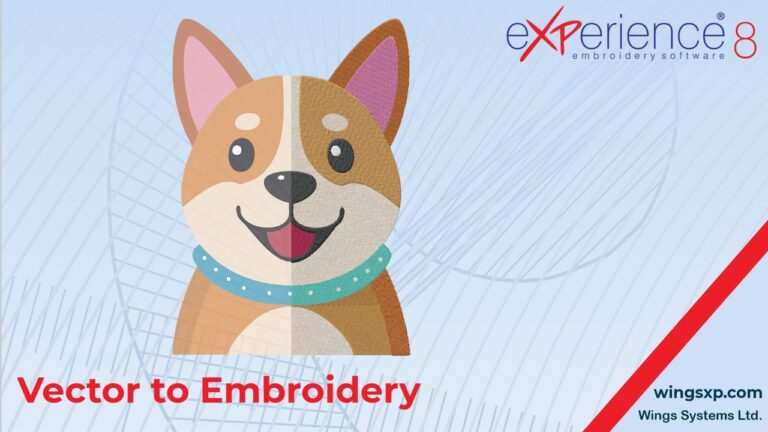
Convert Vector Artwork/Graphics design to Embroidery. Transferring vector artwork from CorelDRAW to your eXPerience 8 embroidery software eliminates the need to redraw designs from scratch.
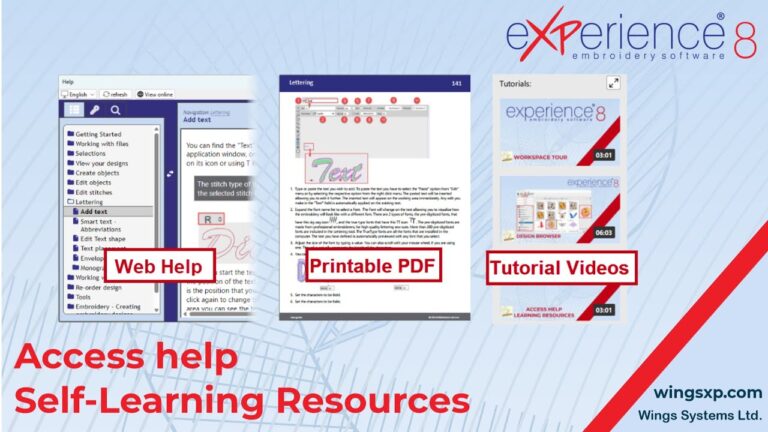
This step-by-step tutorial guides you through the self-learning resources available in eXPerience 8 Embroidery Software.