How to Use the Namedrop Tool
The Namedrop tool in eXPerience 8 automates the production of personalized items such as team uniforms, corporate wear, and name tags.
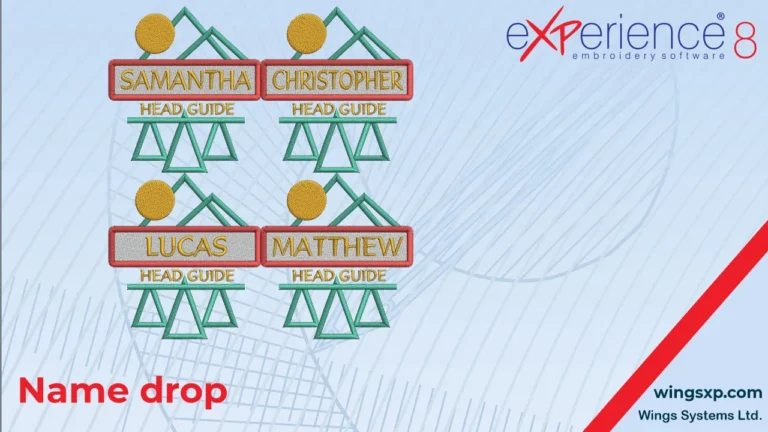
The Namedrop tool in eXPerience 8 automates the production of personalized items such as team uniforms, corporate wear, and name tags.
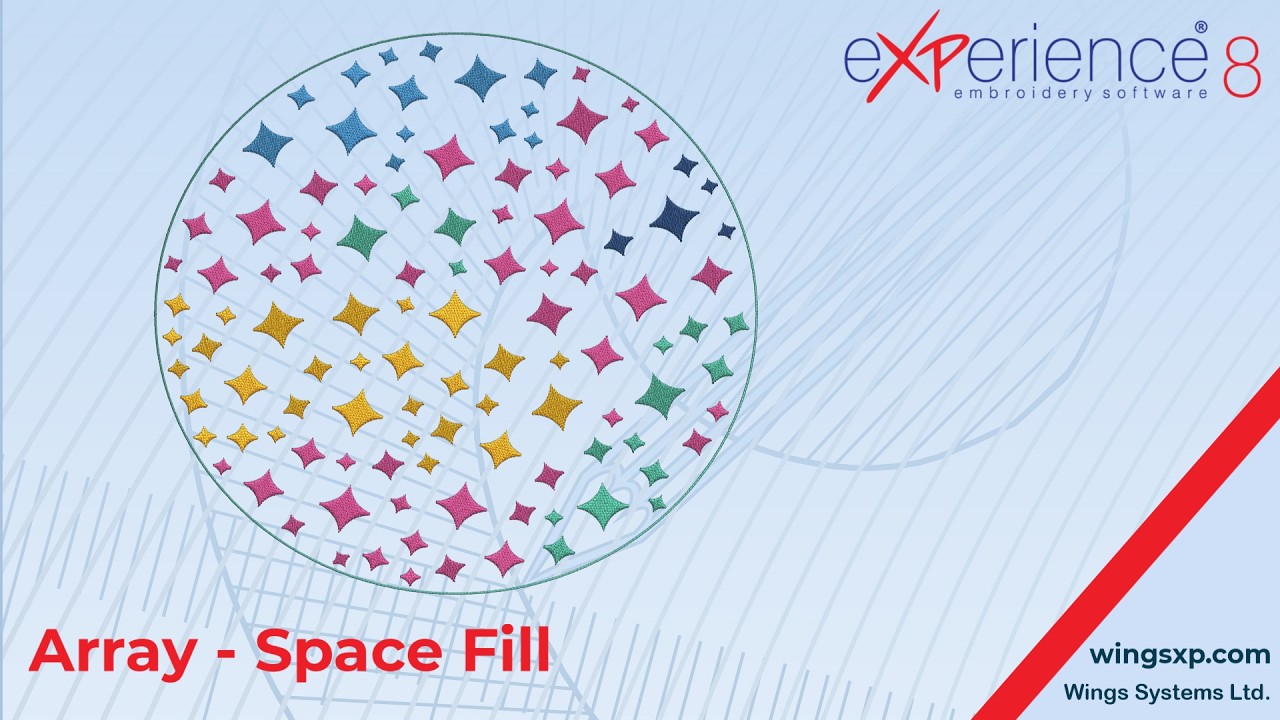
The Space Fill feature in eXPerience 8 is a specialized pattern within the Array fill type.
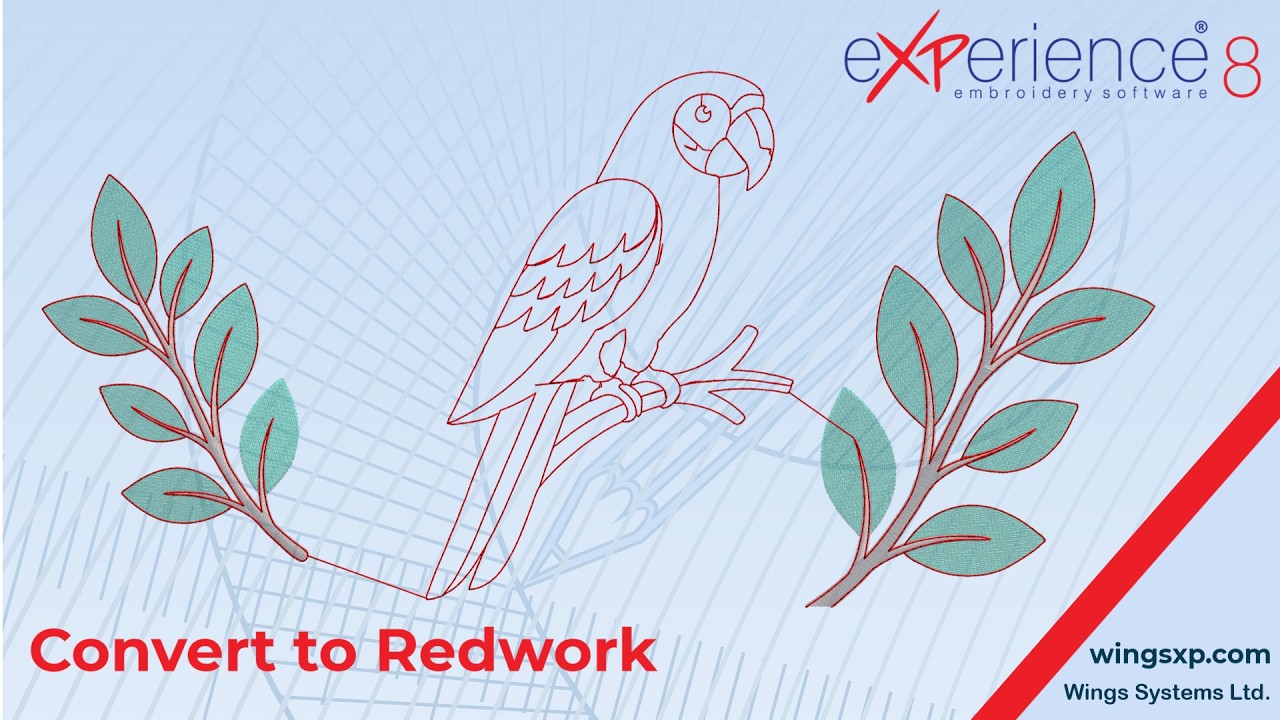
Redwork is an embroidery technique traditionally composed of red running stitches on light fabric.
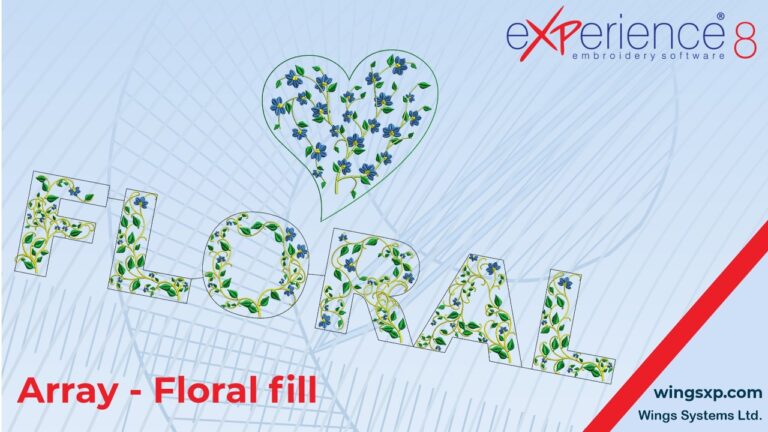
The Floral Fill in eXPerience 8 automatically generates organic, multi-branch floral patterns inside any enclosed shape using your custom artwork or software presets.

The View menu in eXPerience 8 controls how your embroidery designs and workspace appear on screen, allowing you to inspect stitch structure, analyze density, and align elements with precision.
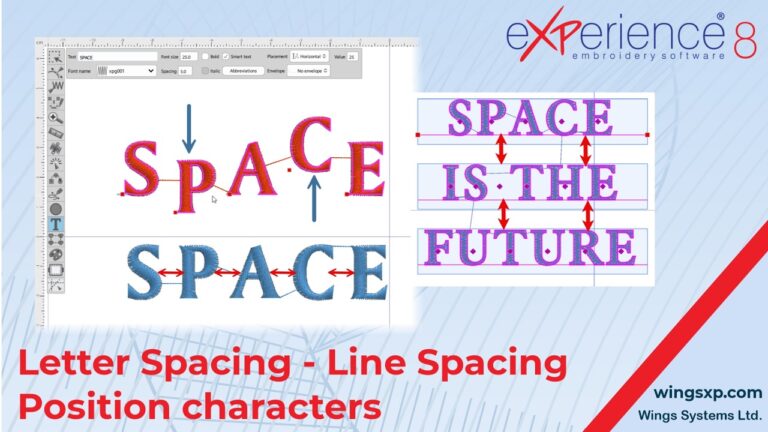
In eXPerience 8 embroidery software, while you can apply standard transformations like rotate, slant, scale, and stretch to text objects, you also have precise control over the placement of individual letters and the spacing between them. This guide covers two primary methods for fine-tuning your text.
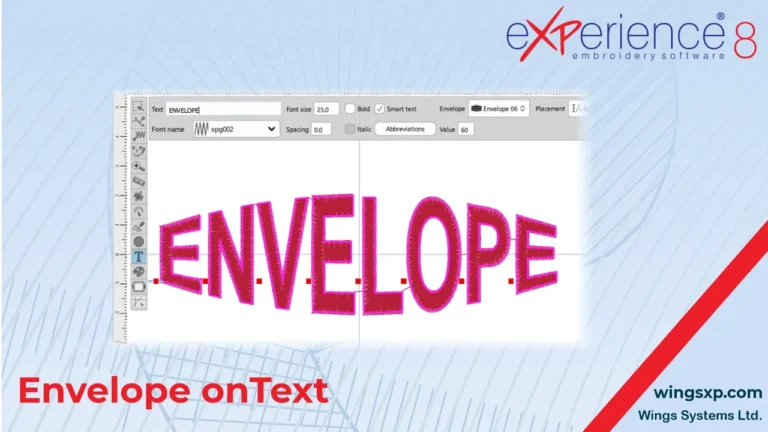
The Envelope feature in eXPerience 8 allows you to reshape text so that it follows a predefined form.
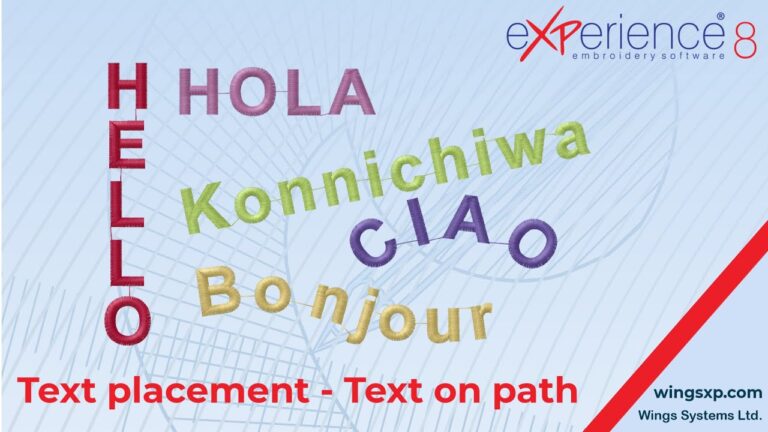
This guide explains how to customize the layout of your lettering using the orientation and path options within the Text tool in eXPerience 8.
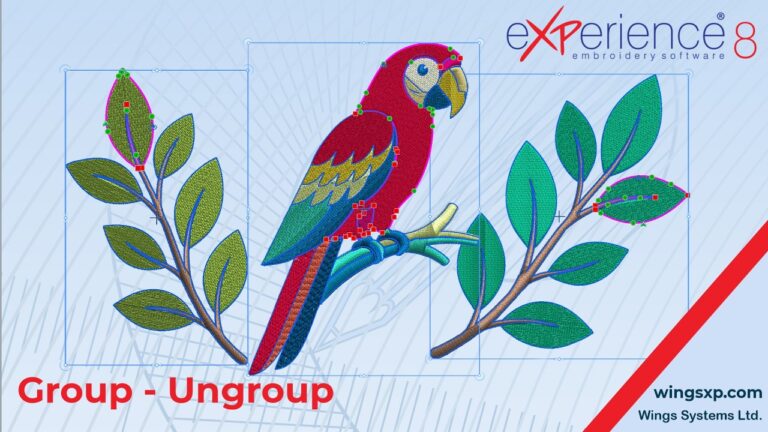
When working with complex embroidery designs that contain multiple parts, laying out and editing individual objects can quickly become difficult. The Group functionality in eXPerience 8 allows you to manage multiple sections of your design together, making it vastly easier to move, scale, rotate, and color-coordinate your workspace. How to Group Objects Together Grouping allows…