How to Convert an Embroidery Design to Redwork in eXPerience 8
Redwork is an embroidery technique traditionally composed of red running stitches on light fabric. In eXPerience 8, the Convert to Redwork tool automatically reduces complex, multi-layered, or filled designs into clean, single-layer outlines. This significantly decreases stitch count, eliminates dense fills, and creates lightweight embroidery patterns suitable for delicate fabrics, quilts, and line art.

Step-by-Step Instructions
Step 1: Select the Design
- Open your project in eXPerience 8.
- Using the Select tool, click on the design you wish to convert.
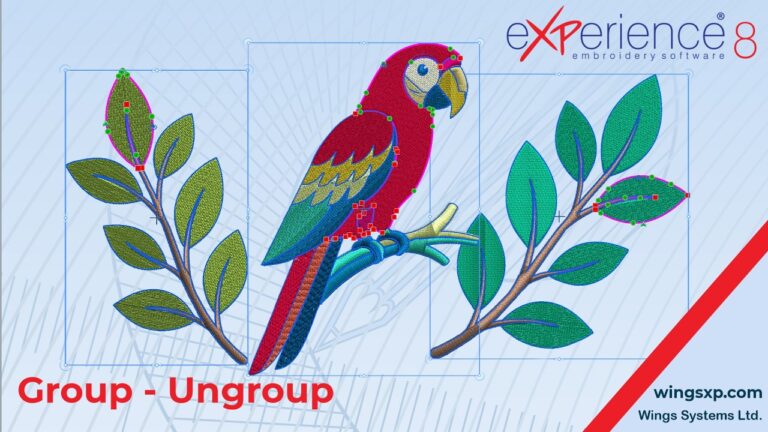
- If you only want to convert a specific section, click and select only that portion or ungroup the design first.
Step 2: Convert to Redwork
Apply the conversion using either of the following methods:
- Option A (Context Menu): Right-click the selected object and choose Convert to redwork from the drop-down menu.
- Option B (Toolbar): Locate the Convert tool on the top horizontal toolbar and select the Redwork option.
The software will immediately remove all interior fills and generate a continuous outline path.
Step 3: Change the Outline Color
While traditional Redwork uses red thread, the software allows any color:
- Keep the converted Redwork design selected.
- Open the Color Palette (or Object Properties panel).
- Select your desired color for the Outline to update the thread color (e.g., blue for “Bluework” or black for “Blackwork”).
Step 4: Configure Stitch Styles and Passes
- Open the Object Properties docker/panel with the design selected.
- Choose your preferred Stitch Style (e.g., standard Single Run, Triple/Bean Stitch, or decorative stem-like run).
- Set your desired number of stitch passes.
Useful Tips & Best Practices
Keep Stitch Passes Consistent
Every segment of a Redwork design must be set to the same number of passes (typically 1 pass for fine details, or 3 passes/Bean stitch for bolder outlines). Mixing pass counts within the same design causes uneven thread thickness and unbalanced tension.
- Stabilizer Selection: Because Redwork designs have low stitch density, avoid heavy cut-away stabilizers. A light-to-medium tear-away or water-soluble stabilizer is usually sufficient and keeps the final fabric soft.
- Previewing Stitch Order: Run the design through the Stitch Player / Slow Redraw tool before stitching out to verify that the pathing is logical and that jump stitches are minimized between segments.
- Fabric Pairing: Redwork stands out best on flat, smooth-weave fabrics like cotton, linen, or denim. If embroidering on textured fabrics (like terry cloth or fleece), use a water-soluble topping to prevent the fine outlines from sinking into the pile.
eXPerience Facebook Page
Happy crafting and don’t forget to share your creations with us in the
eXPerience Facebook Page!